> ## Documentation Index
> Fetch the complete documentation index at: https://moengage-user-guide.mintlify.site/llms.txt
> Use this file to discover all available pages before exploring further.
# How Can I See My Support Tickets?
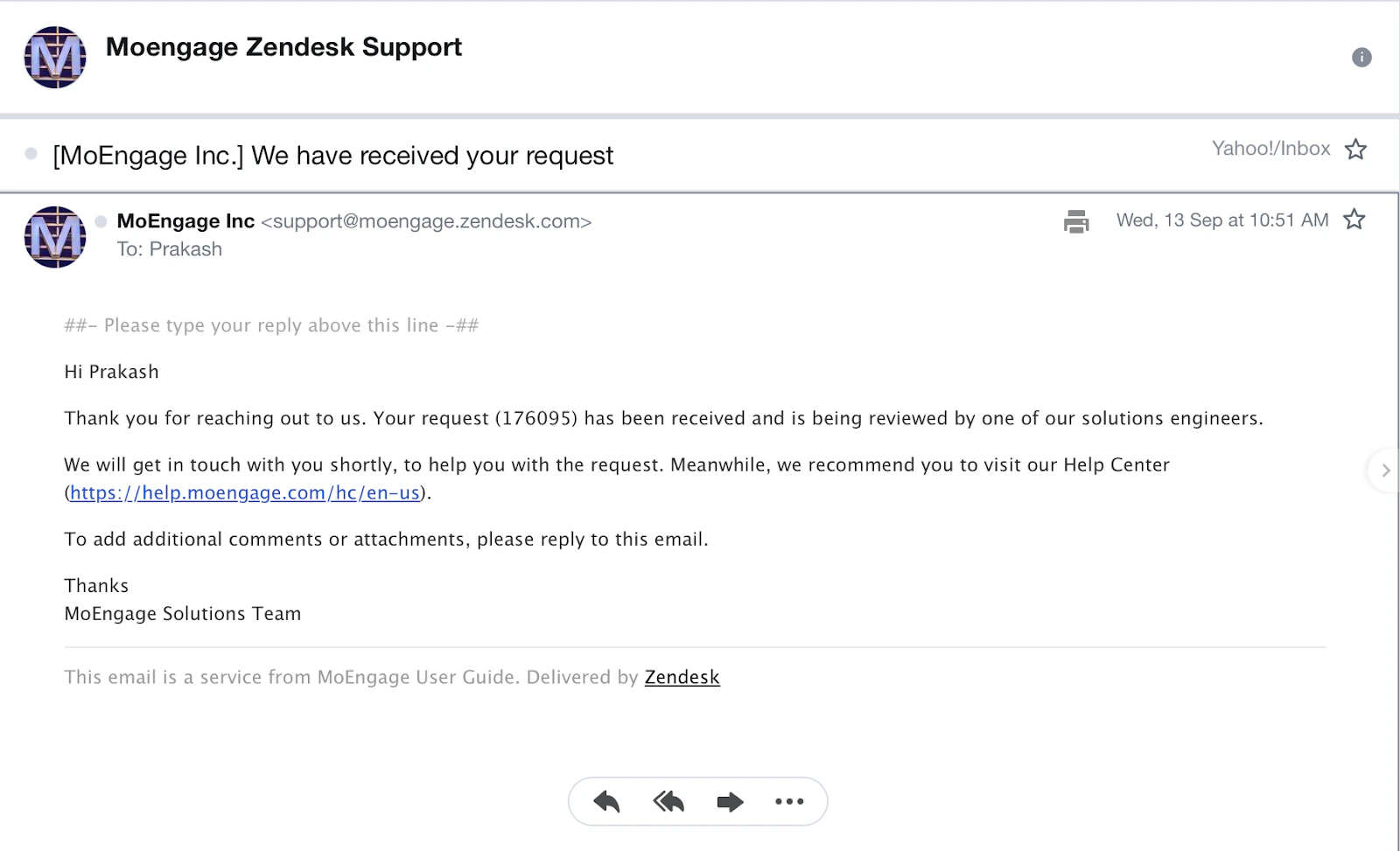
When you create a ticket, you receive an auto-generated email to your email address with the ticket number. You can use this email thread to communicate further about the issue or reopen the case.
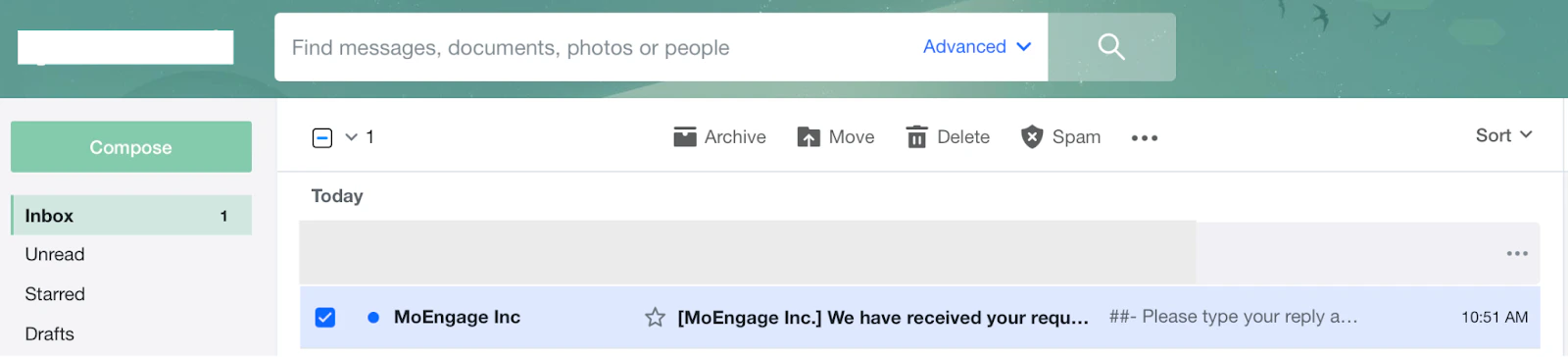 You can open the email to see the details of the ticket.
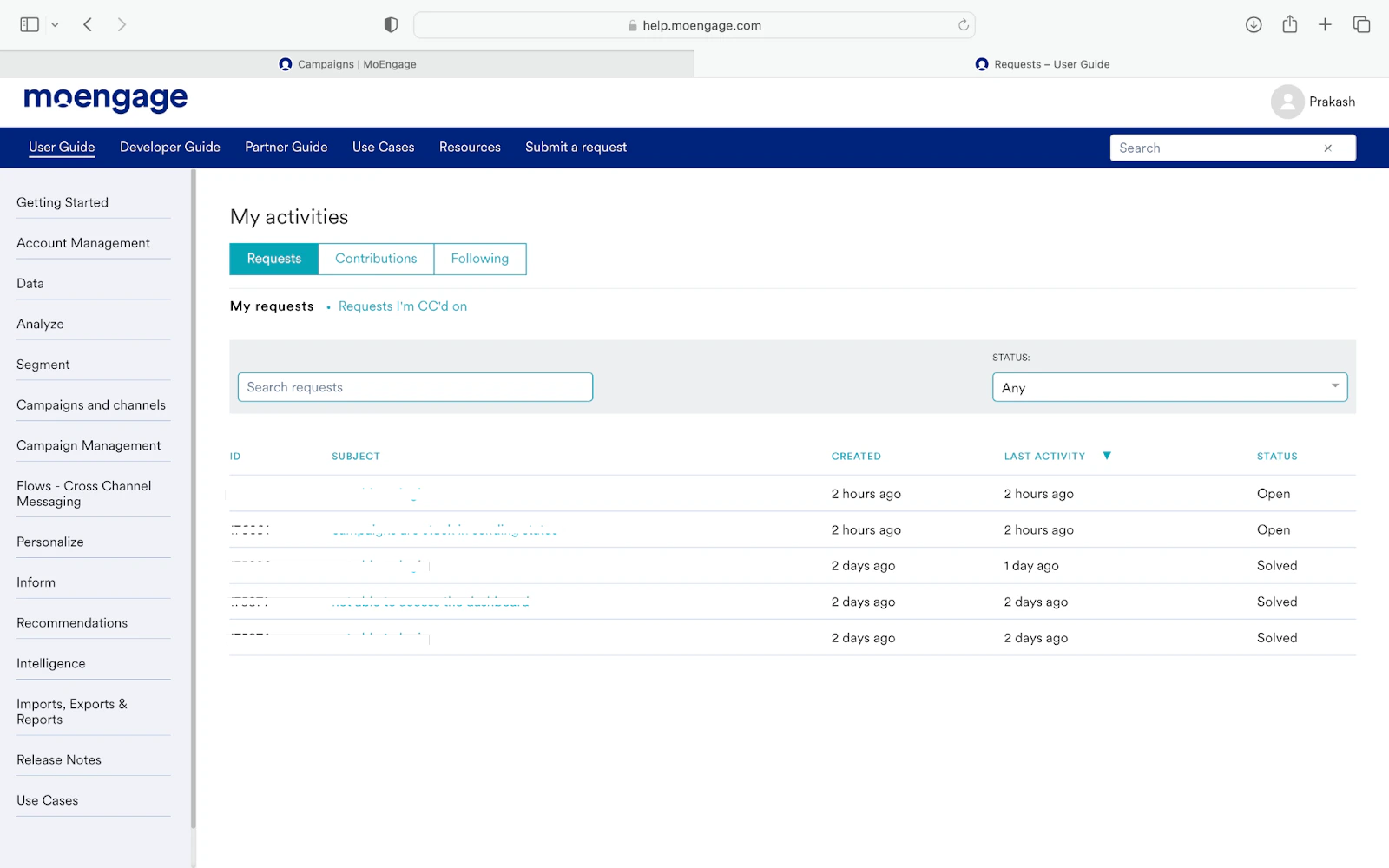
 You can also track your open or closed tickets by clicking your name on the web form (top right) and clicking **My activities**.
 The My activities page is displayed. You can see all your tickets on the **Requests** tab.