> ## Documentation Index
> Fetch the complete documentation index at: https://moengage-user-guide.mintlify.site/llms.txt
> Use this file to discover all available pages before exploring further.
# Uninstall Tracking
Uninstall tracking helps you understand user churn by capturing uninstall events for your Android app. Enabling this setting populates data on the **Uninstalls** page in MoEngage Analytics, providing insights into when and why users uninstall your app.
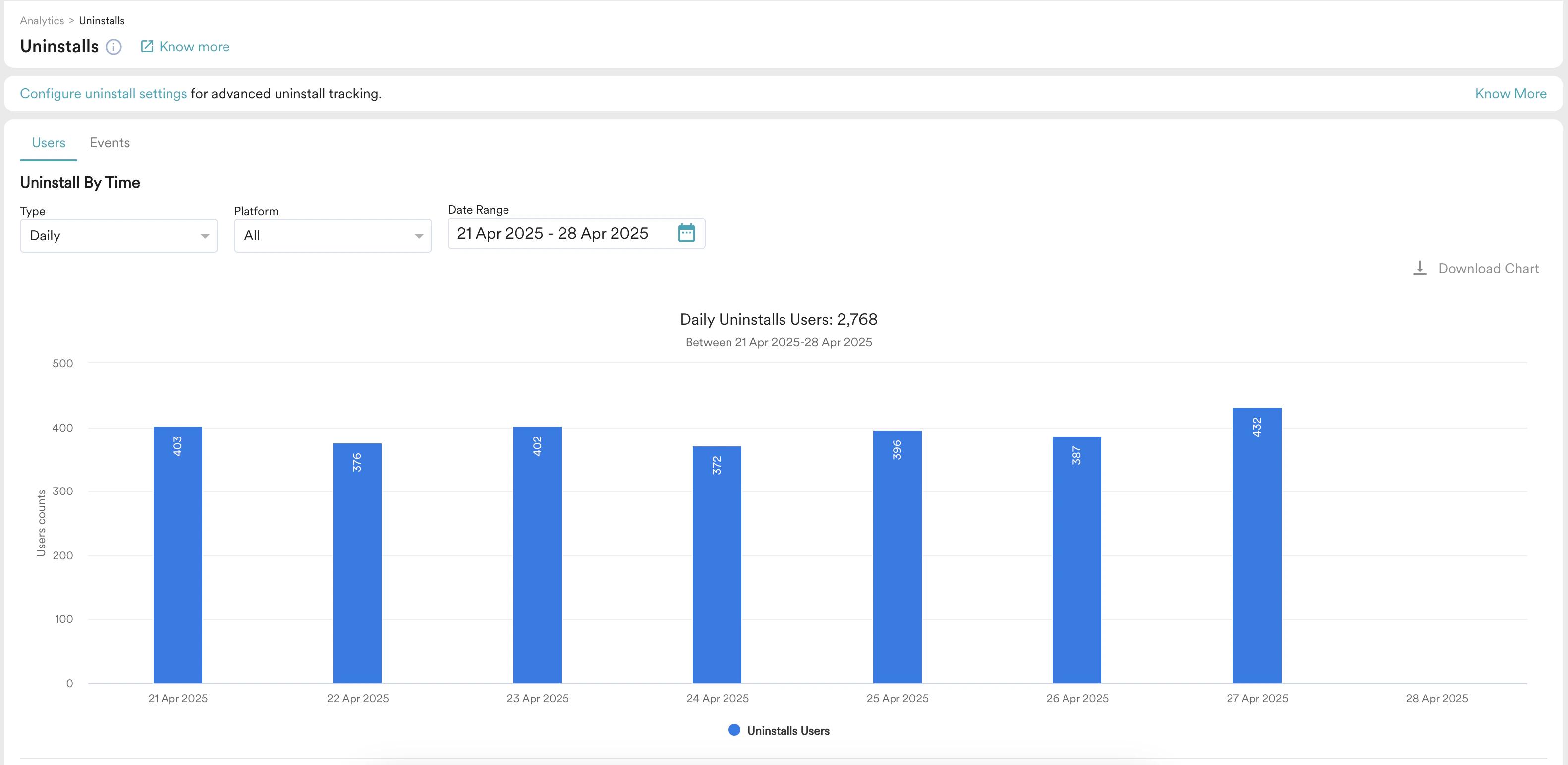 Android uninstall tracking allows you to track the *uninstallation* event or users who uninstalled the Android app. Before enabling Android uninstall tracking, ensure you handle Android silent pushes. For more information on Uninstall analytics, refer to [Uninstall](/user-guide/analyze/analytics/uninstall).
Perform the following steps to enable uninstall tracking:
1. On the left navigation menu in the MoEngage dashboard, go to **Settings** > **Analytics** > **Uninstall tracking**.
2. On the Uninstall tracking page, turn the **Android Uninstall Tracking** toggle on.
Android uninstall tracking allows you to track the *uninstallation* event or users who uninstalled the Android app. Before enabling Android uninstall tracking, ensure you handle Android silent pushes. For more information on Uninstall analytics, refer to [Uninstall](/user-guide/analyze/analytics/uninstall).
Perform the following steps to enable uninstall tracking:
1. On the left navigation menu in the MoEngage dashboard, go to **Settings** > **Analytics** > **Uninstall tracking**.
2. On the Uninstall tracking page, turn the **Android Uninstall Tracking** toggle on.
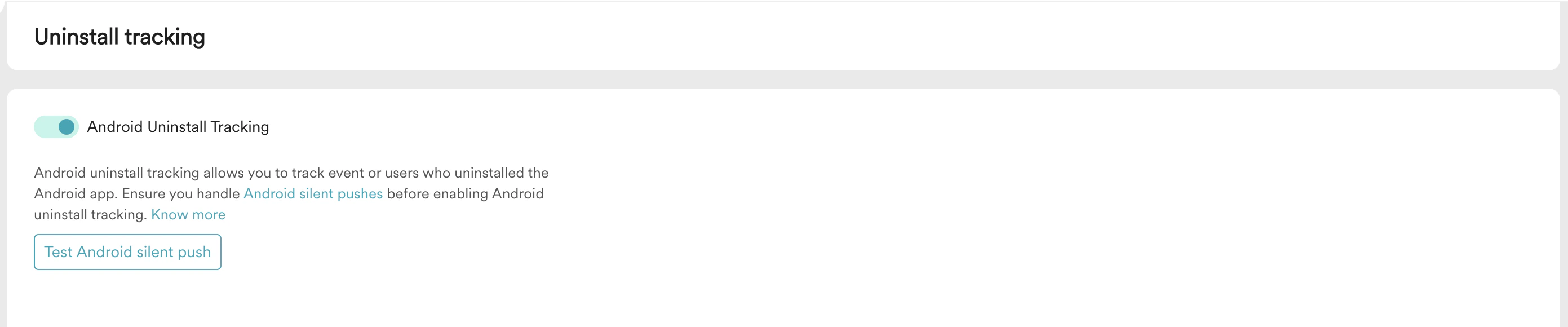 3. Click **Test Android silent push** to test silent push. For more information, refer to [Uninstall Tracking](/user-guide/settings/analytics/uninstall-tracking).