

| MoEngage Cards Inbox | Self-handled Cards |
|---|---|
 |  |
- The MoEngage Cards Inbox is different from the MoEngage Push Notification Center. Although both serve as inboxes for content delivery, the delivery points may not be located in the same places.
- Cards are displayed within the Cards Inbox, while Push notifications appear in the Notification Inbox. To learn more, see Push Notifications.
Benefits
- Persistent messaging - Unlike other channels such as push notifications, SMS, or In-app notifications, a card, once delivered, remains a part of the user’s app experience for a long time. With cards, users always have the option to go to the app and refer to the content at their convenience. This makes Cards a great candidate to pair with other channels as the go-to area for all communications from your brand.
- No Opt-in required: Unlike other channels, since cards are a part of your app experience, they do not require any permission from users.
- Easy segmentation, triggering, and personalization: Cards come with all the great personalization and segmentation capabilities MoEngage offers. This will allow you to reach the right users at the right time with the intended message.
- Interaction data: Card analytics can be tracked in MoEngage.
- Non-intrusive: Cards appear as a native part of the user’s app experience and are non-disruptive. This increases user receptiveness, resulting in better engagement.
Use cases
- Offers and Promotions
- Gamification and enrolment in contests
- Reminders and tipsChanges to policies and TnCs
- Transactions and service updates
- Cart/Wishlist reminders
- Recommendations
Cards Placement and Delivery
MoEngage provides a customizable and integrative App Inbox and takes care of the delivery, display, and management of the Card for users using your application on different platforms (Android, iOS, and Web). You can use one of the following methods to deliver the Cards to your users on your application:- Cards Inbox
- Self-handled Cards with SDK (Client Side)
- Self-handled Cards with Fetch API (Server Side)
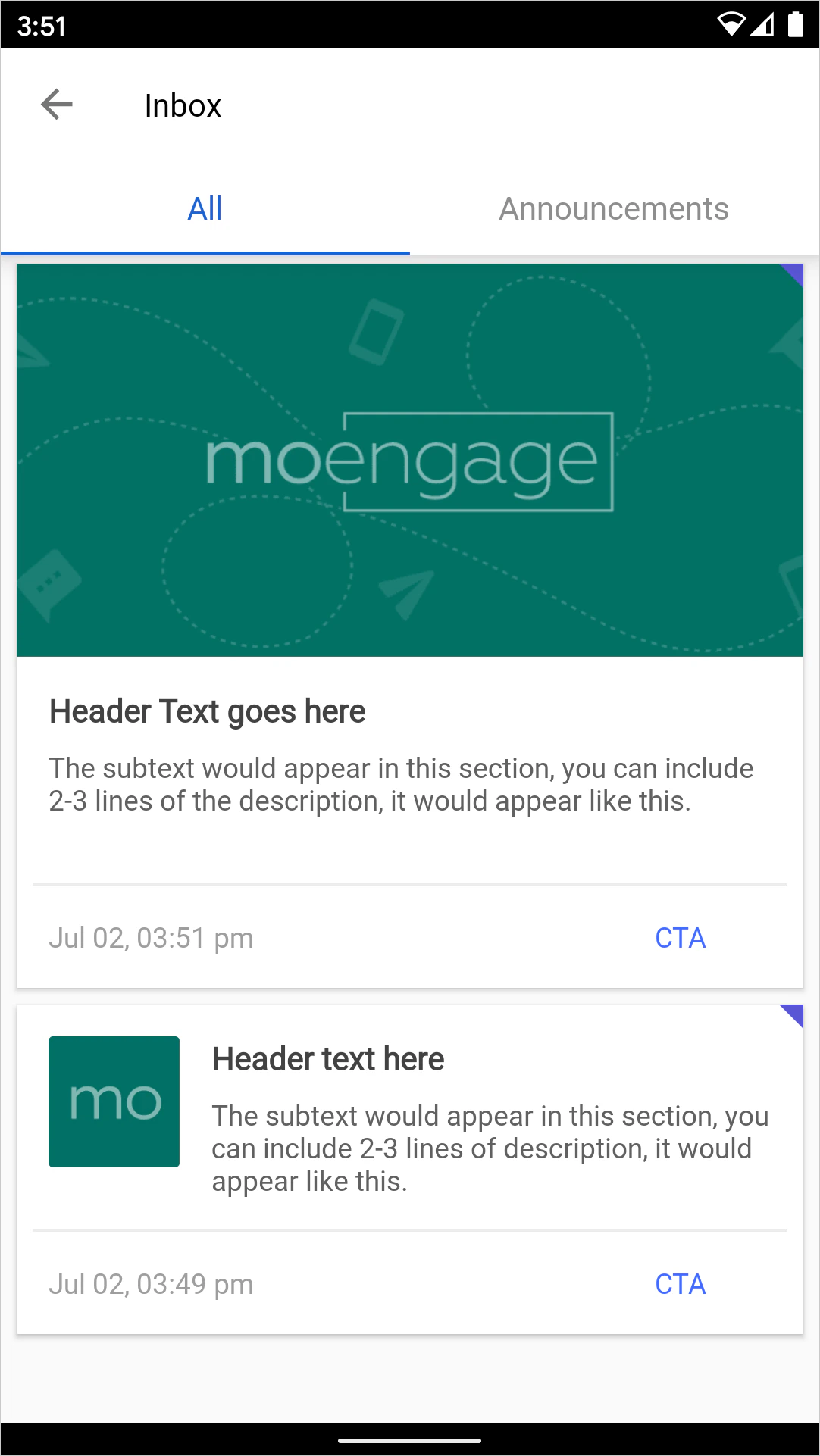
MoEngage’s ready-to-use or Out-of-the-box Inbox displays Basic and Illustration Cards to the users’ notification center or inbox as a feed.
| Integration Effort | Low Requires basic integration and setting UI customization values. |
| Cards UI | Styling Options are available to change the Inbox (Feed) UI to set custom Fonts, theme colors, and labels to fit brand guidelines along with Basic and Illustration Cards template. |
| Tracking Analytics | Automatically track deliveries, impressions, clicks, and deletes. |
| Ideal for | Teams with limited dev resources who are looking to build a Feed (inbox) inside their app/website. |
| Platforms Supported | Android Native, iOS Native, Web Native. |
MoEngage Cards Inbox UI
This UI can be customized at the time of implementation to fit your Brand theme requirements as follows:- Label (Feed page title).
- Background theme.
- Category Tabs - Font, Font Size, Tab Text-color selected/unselected, Tab background-color selected/unselected.
- The default style for Card Header, Message, Call to Action Button(CTA), Timestamp.
- The default Background color for Card.
- Unclicked Card Indicator Color.
- Inbox Emptry State content.
Cards Delivery Period
Once a Card is created or updated to a user, it becomes ready to be delivered in the next sync with the Card server. The sync occurs as described below: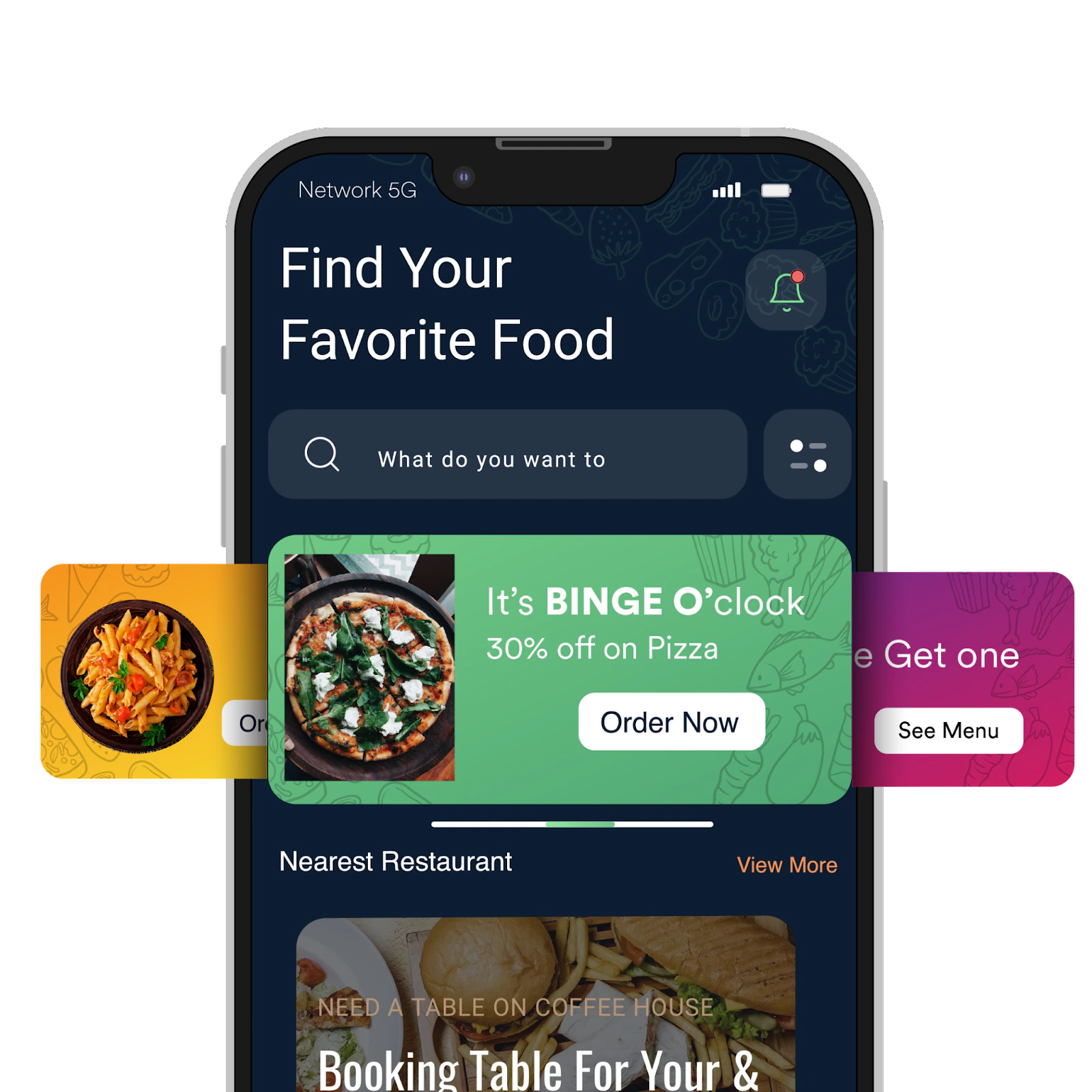
Next Steps
- Create a Card Campaign
- Analyze Card Campaign
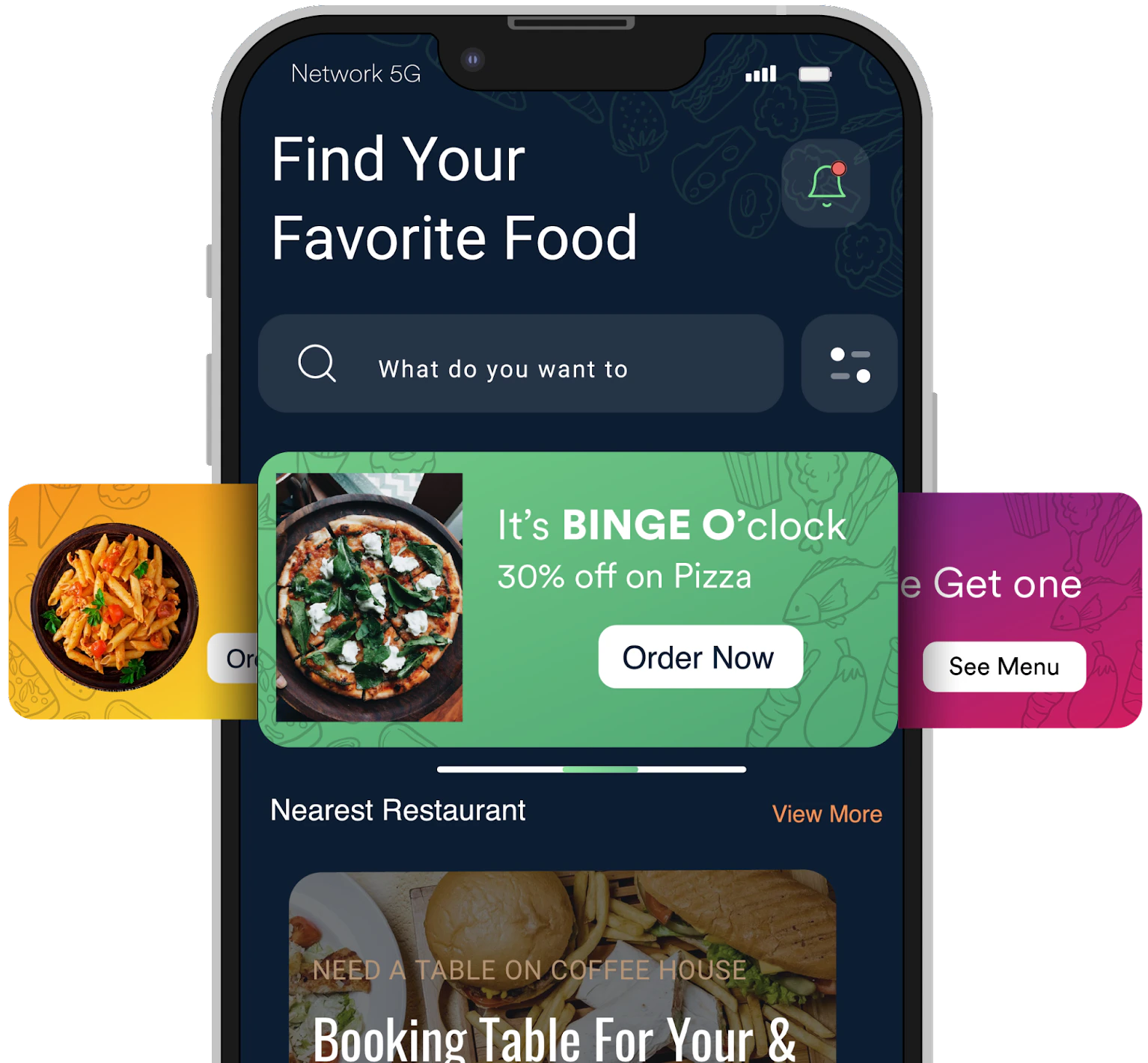
- Guide for Implementing Self-handled Cards - carousel banners on app home screen
- Guide for Trigger Card Deletion through Custom Connector Campaigns