

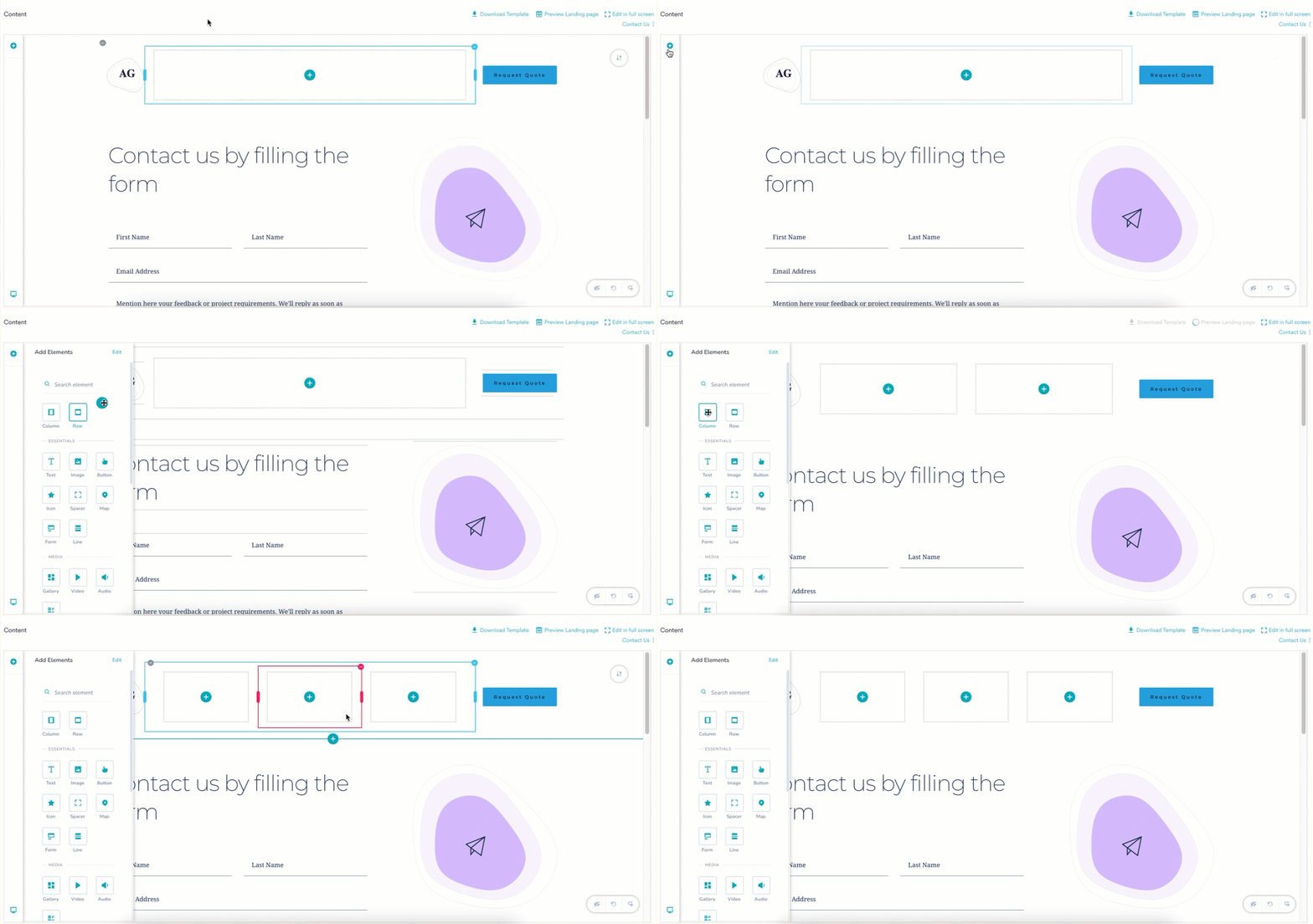
- Access the editor by clicking the + icon on the left corner of the template.
- Drag and drop the Row or Column element to the template.
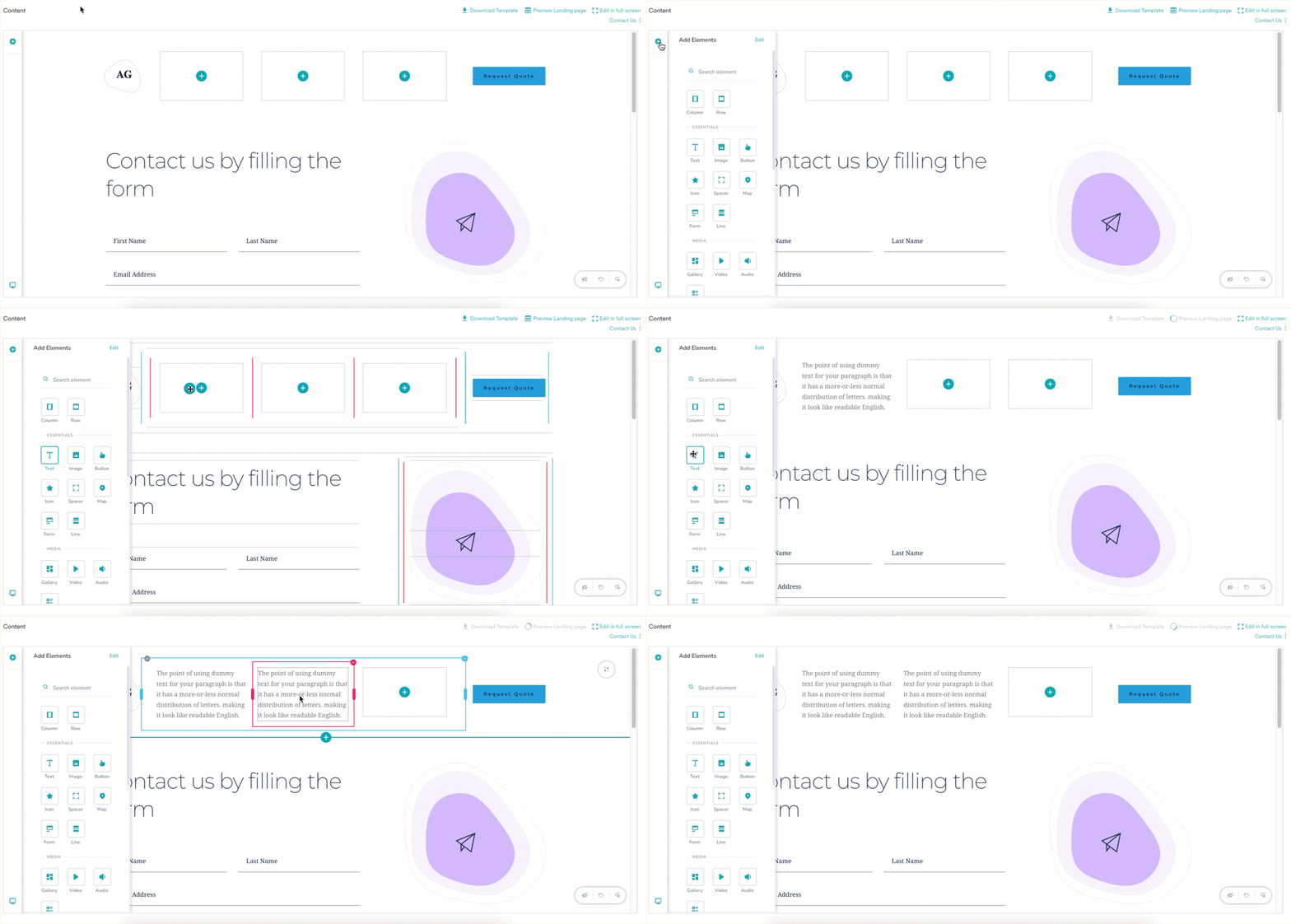
- Drag and drop the Text element inside the row or column.
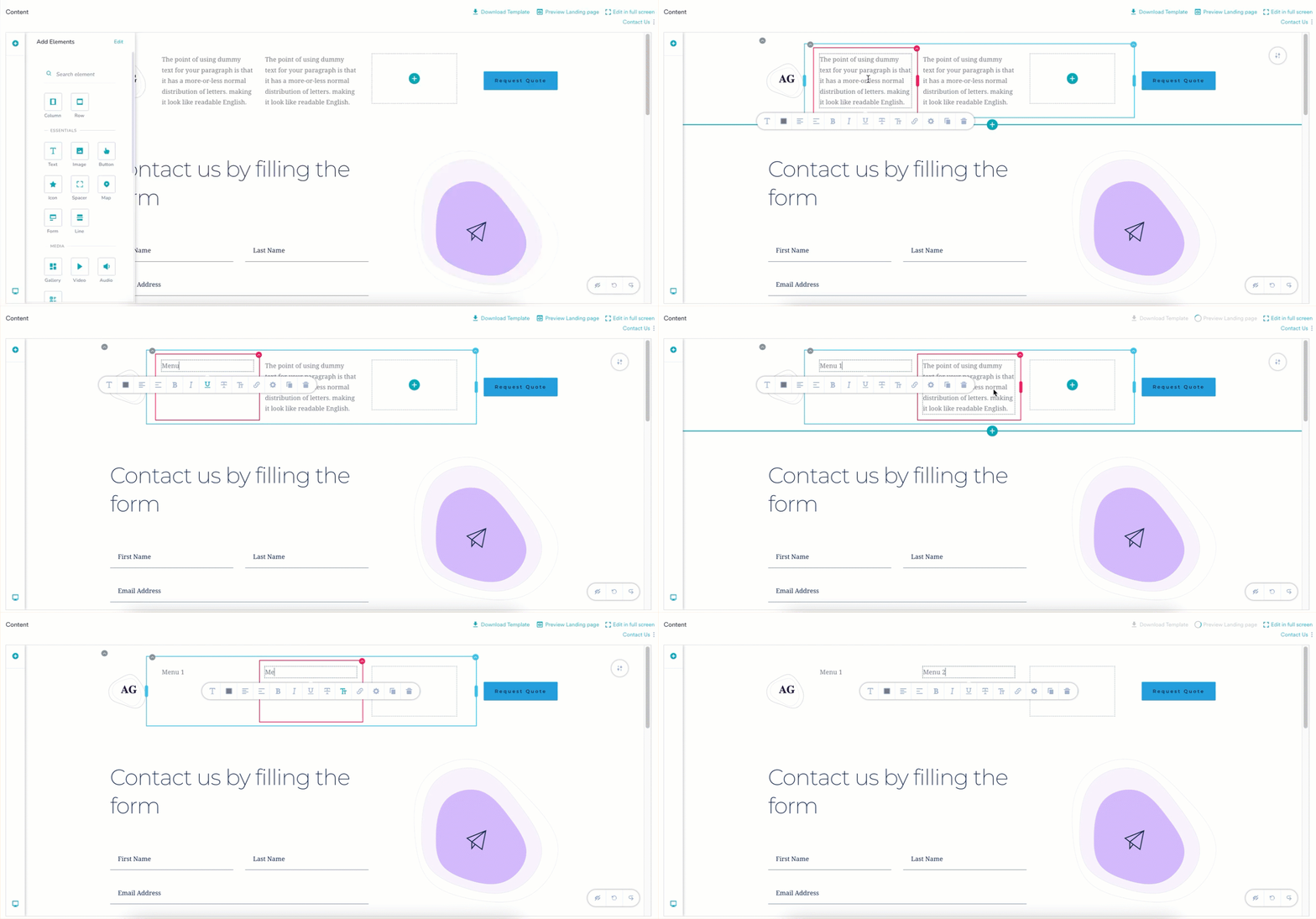
- Rename the elements with the text of your choice.
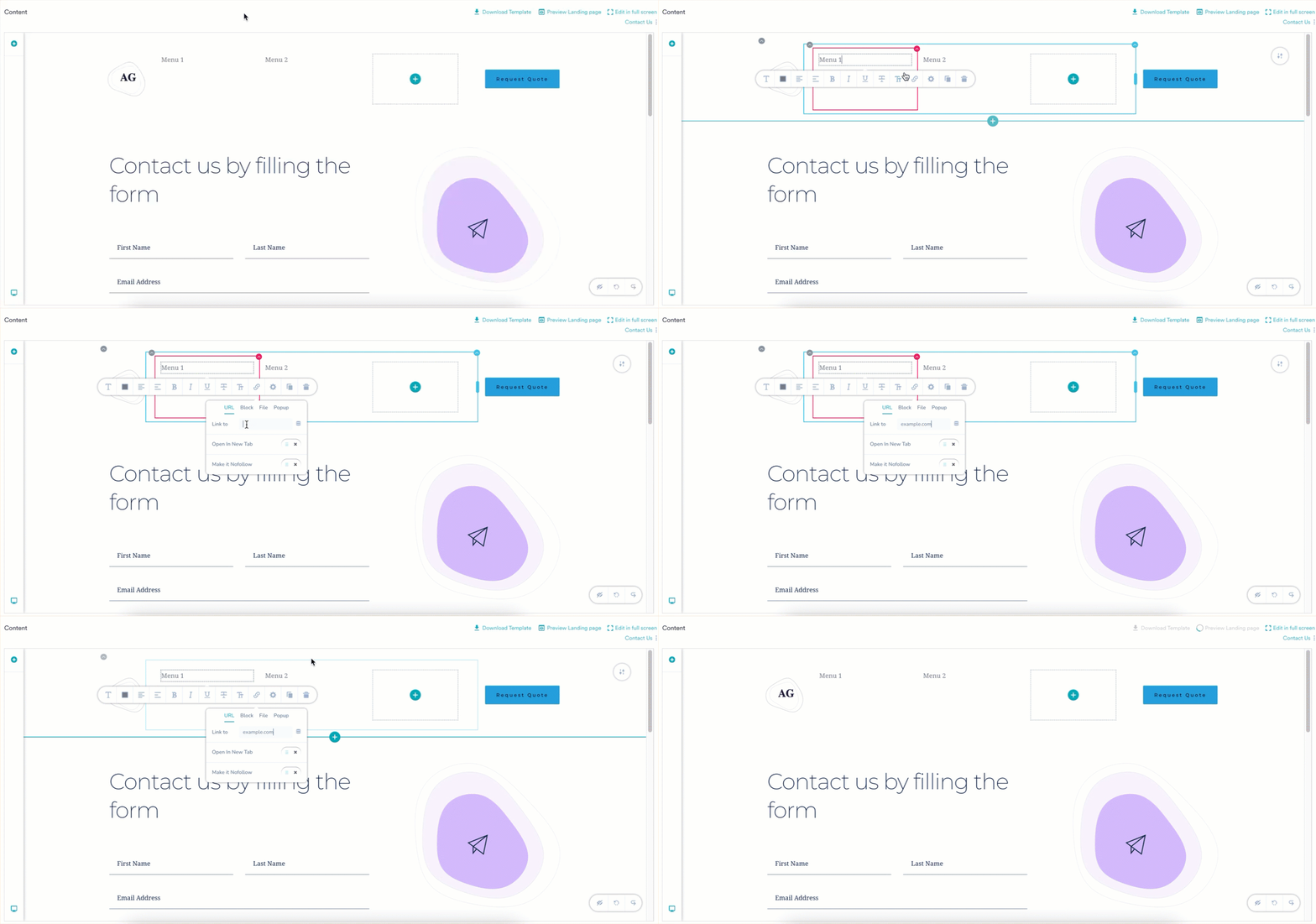
- To redirect upon clicking the menu, add a URL to the element.
- Click the text field, the toolbar opens.
- Click the link icon in the toolbar.
- In the Link to field, add the URL you want the user to be redirected to.
For more information, refer to Personalize.