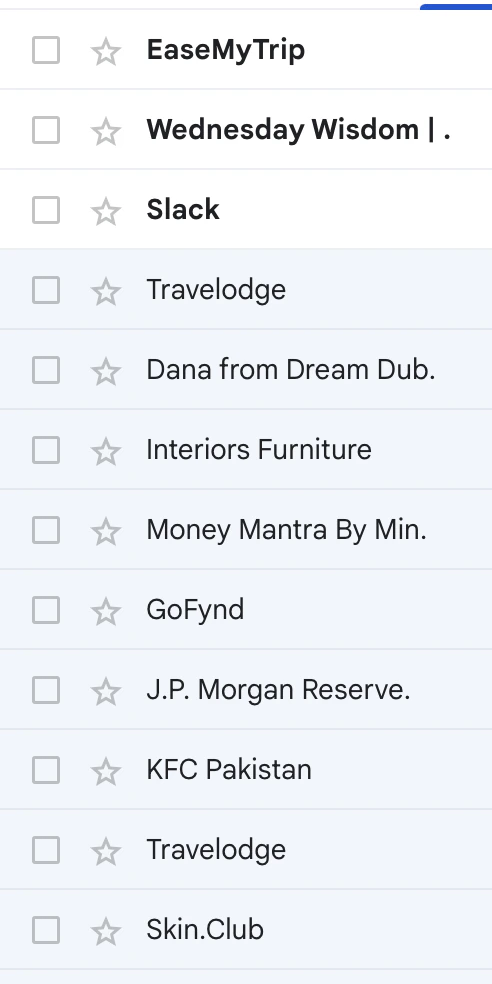
Following the best practices while creating a subject line and sender address can increase the credibility of your emails, reduce spam reports, and ultimately improve the performance of your email marketing campaigns. Follow the best practices below while creating subject lines:Documentation Index
Fetch the complete documentation index at: https://moengage-user-guide.mintlify.app/llms.txt
Use this file to discover all available pages before exploring further.
- Limit the number of characters in the subject line (including spaces) to less than 80 characters. This makes them quick to read and also fits mobile screens well.
- Make sure the subject line is contextually in line with the overall email. Avoid setting false expectations.
- Use emojis to make the subject lines more interesting/appealing to recipients, but do not overdo it.
- Avoid use of redundant words, excessive capital-lettered words, or repeated special characters (e.g. !!!, ??, $$$). These can appear suspicious and unprofessional, depending on your brand.
- Use personalization (including content, offer, and context) as much as possible, this increases the probability or likelihood of the customer opening the email.
- Use annotations and cards. It highlights the email in the promotions tab in the mobile app.
- Use Subject lines to complement the cards.
- Avoid sensitive data (for example, “Dear John, your XXXX points of ACME Inc voucher are expiring in 5 days.”).
- Sharing sensitive data in the subject line can cause privacy issues.
- Recipients of the mail see the From name in the list of emails, and not the entire address.
- Make sure the From name clearly indicates the sender.
- Brand names are preferred as From names.
- For specific use cases, such as a policy change, you can also use the following From name formats, particularly if the email is signed with a person’s name:
- CEO’s office from Brand
- JohnDoe from Brand