User reachability - WhatsApp Campaign
WhatsApp campaign allows marketers to reach users via WhatsApp and the reachable users count shows the number of users that are eligible to receive WhatsApp on their registered phone number.How is user reachability calculated for WhatsApp campaigns?
WhatsApp reachability calculation is derived based on below conditions: Mobile Number (String) should exist for the user to be reachable. There is no mobile number format validation used for reachability calculation in Segmentation/Recent queries. In addition to Mobile number presence, the WhatsApp subscription status should be True. Both of these conditions will be used to derive user reachability for WhatsApp channel.Mobile Number attribute should be stored as a string data type for proper functioning
There could be a difference in the reachable user count on the “Create segment” page and “WhatsApp campaign” page because segmentation only checks if user data and user permission to receive campaign is present, it does not do mobile number validation and consider control group while calculating reachable users.
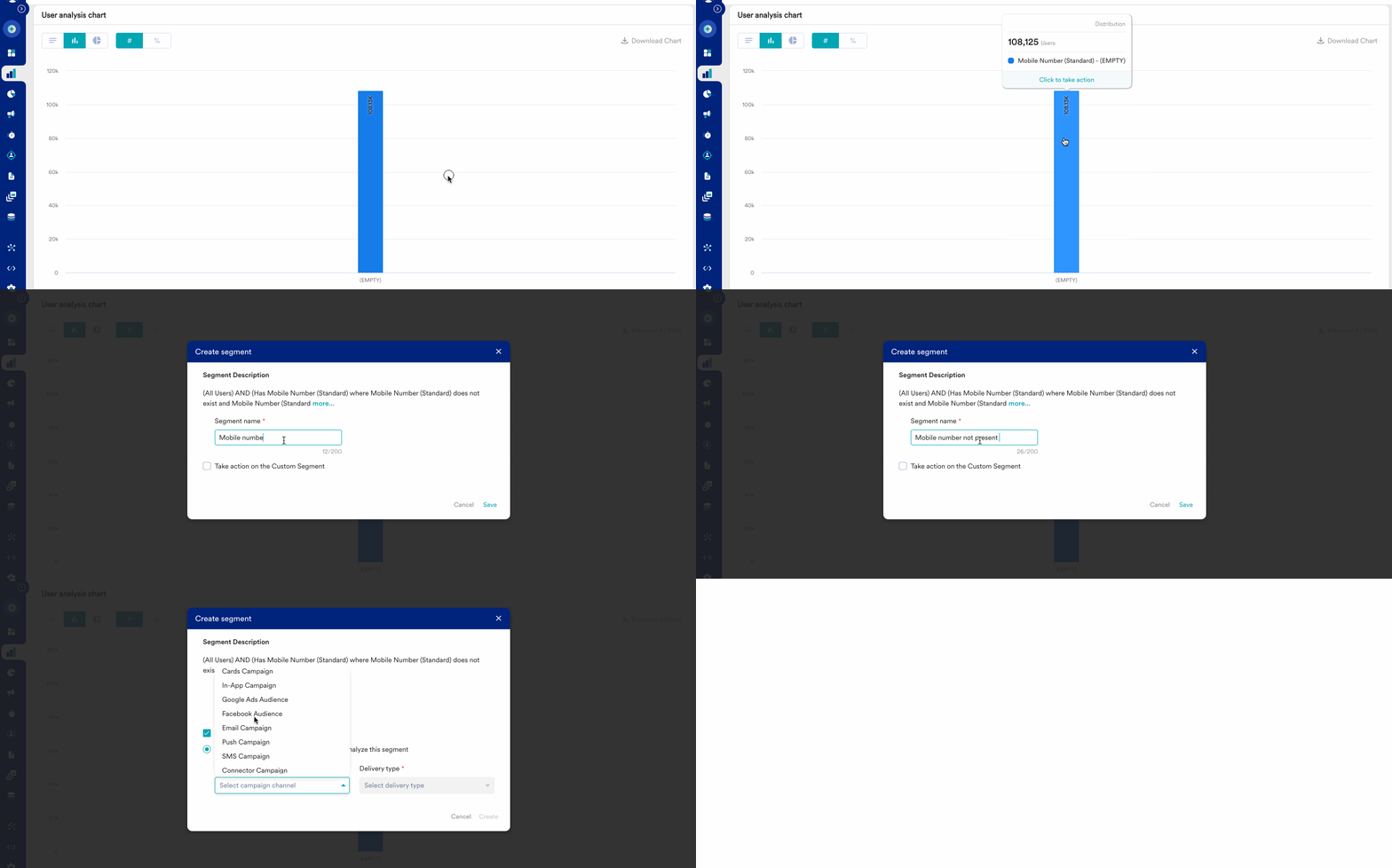
How to analyse and find reasons for users’ non-reachability?
Step 1: Go to Analyse and select “Users” to do the user analysis Step 2: Select the user attribute present in the User Properties section (Mobile number (Standard) or WhatsApp Subscription Status) Step 3: Below in the User Analysis Options select Analysis type as “Distribution” and click Apply button Step 4: Analyse the generated graph and look at the reasons for non-reachability for WhatsApp channel along with the user countPotential solutions to solve users’ non-reachability problems
Note: Above solutions are some of the potential solutions, which may or may not result in the expected result/success.