

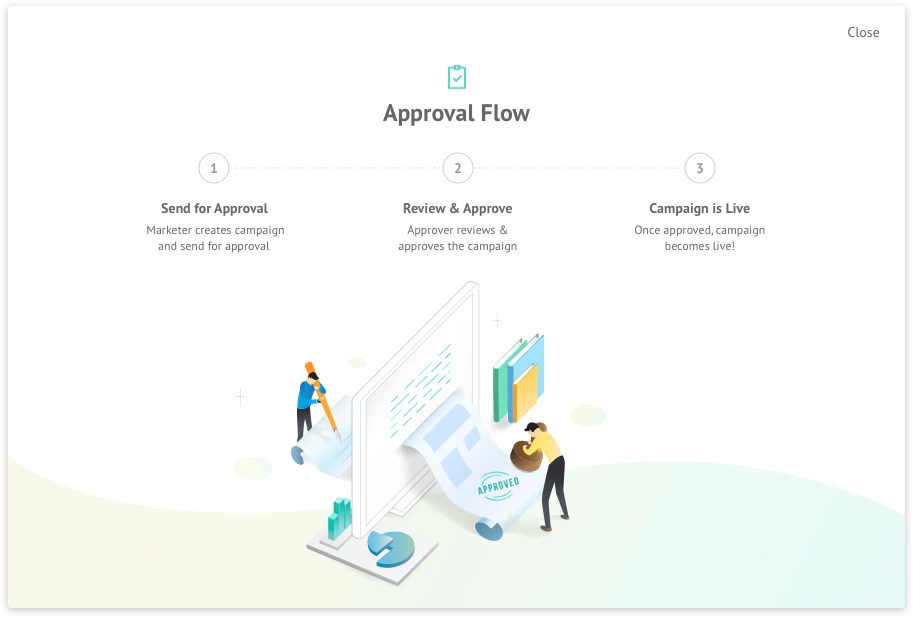
Enable Campaign Approval Workflow for Campaigns
Permissions: Any roles authorized to create, manage, and publish campaigns are available in the approver list. They can approve or reject the campaigns.Activation Time: Once the toggle is turned on, it may take up to 5 minutes for the Campaign Approval features to become visible and active across the dashboard.
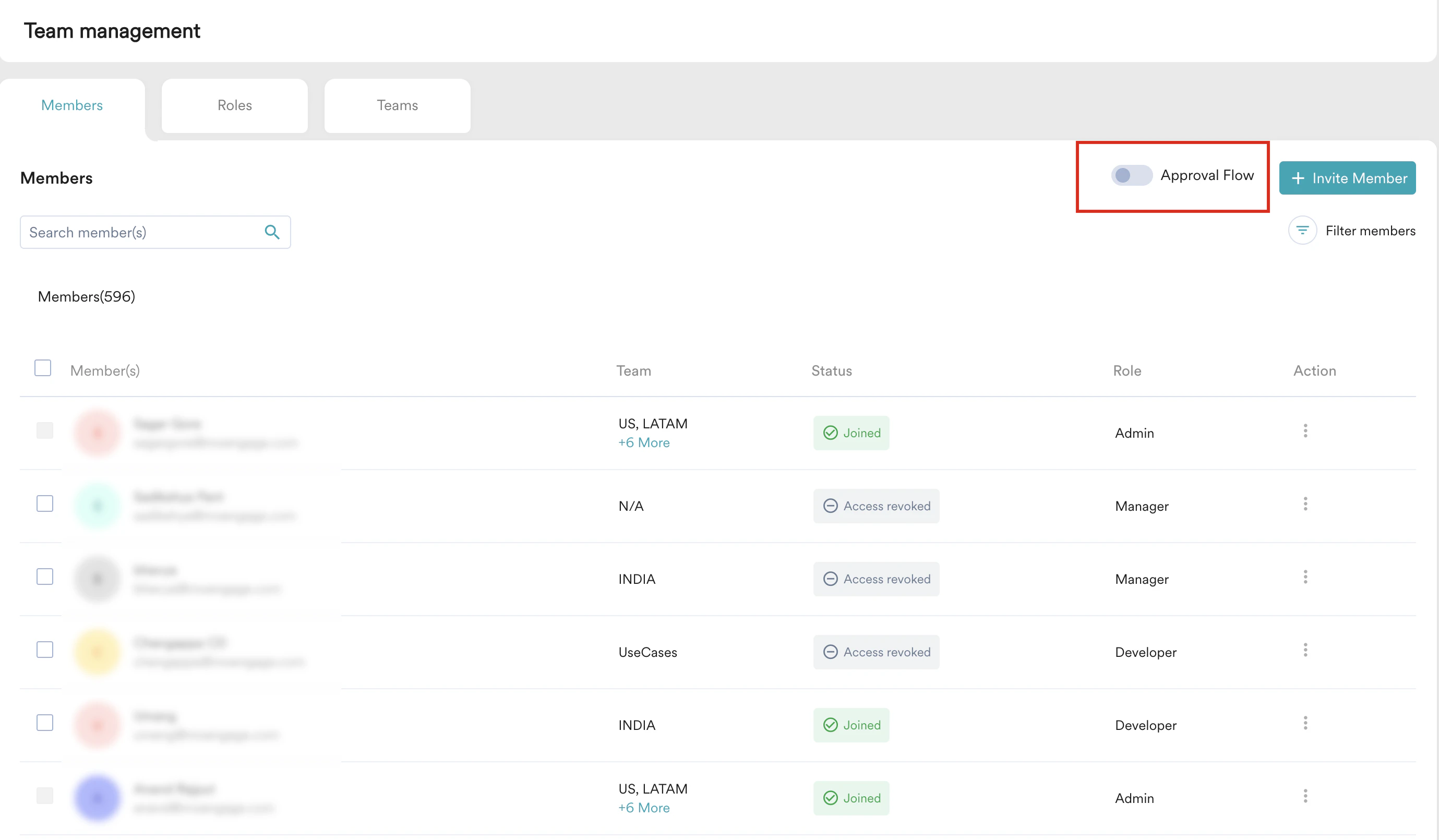
- Navigate to MoEngage Dashboard > Settings > Account > Team management. The Team management page is displayed.
- On the Members tab, turn the Approval Flow toggle on to enable the campaign approval flow. The toggle is disabled by default.
Assign Roles
Approver Role
Any roles authorized to create, manage, and publish will have approver rights when the Approval Flow toggle is turned on.Marketer Role
Campaigns created by Marketers must be sent for approval. Because the Marketer role is new, you need to add users to the Marketer role or change roles for existing users.Send a Campaign for Approval
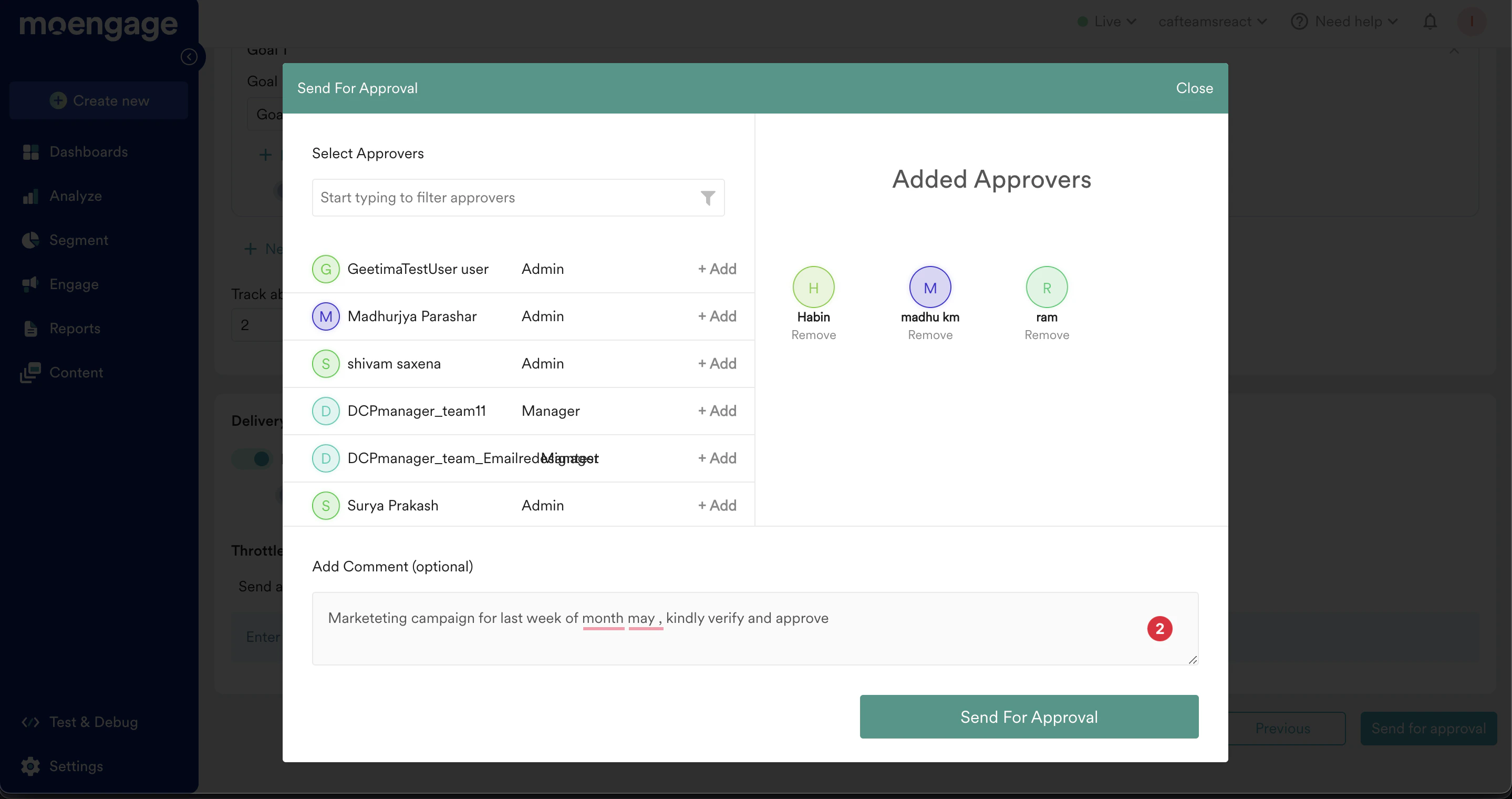
After the Approval Flow toggle is turned on, marketers can create a campaign and send it to a list of approvers.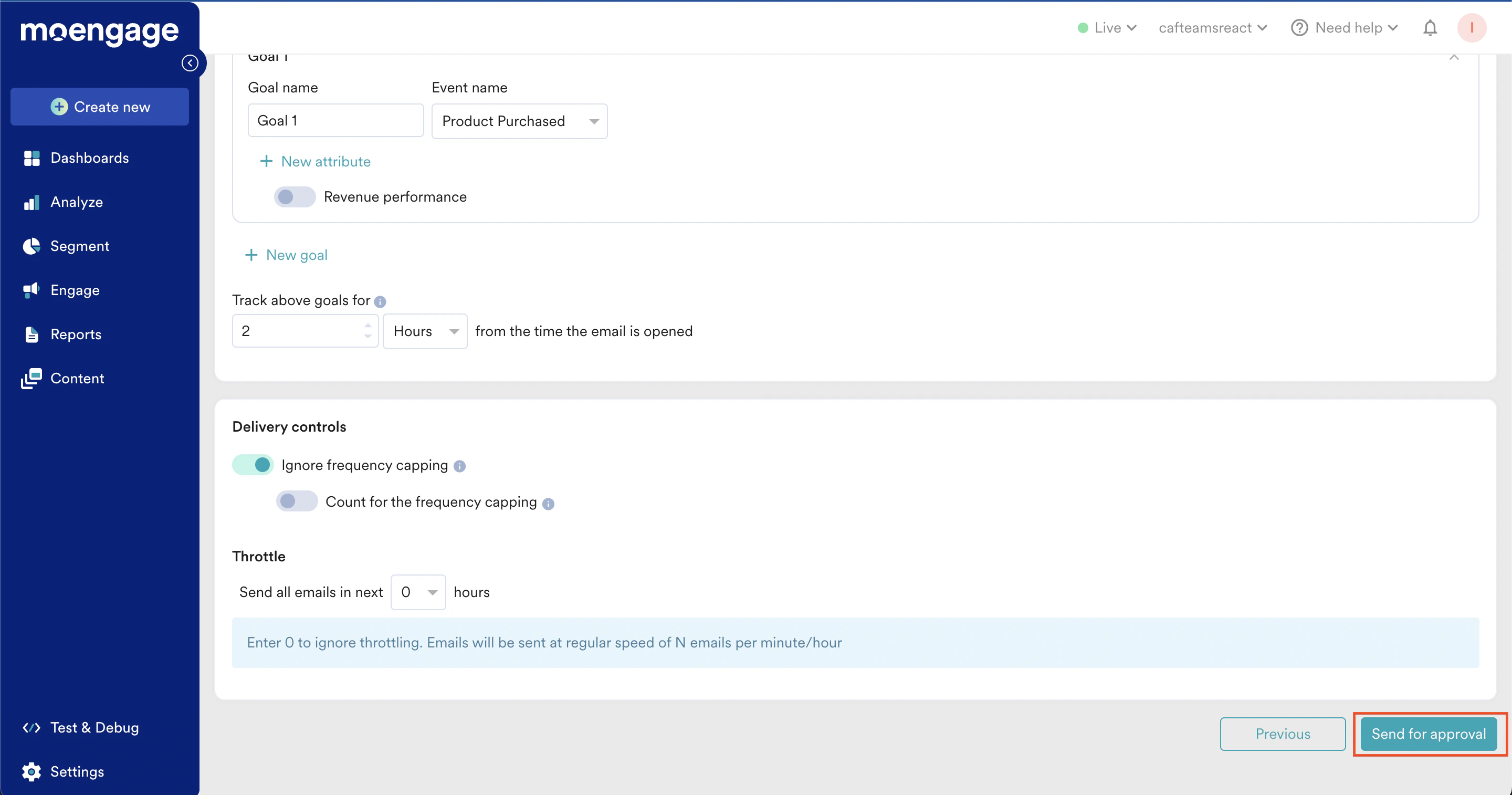
Approved/Rejected
When the marketer clicks Send For Approval, all the assigned approvers will get the email for reviewing the campaign. Approvers can click the campaign link in the email and they will get redirected to the specified campaign.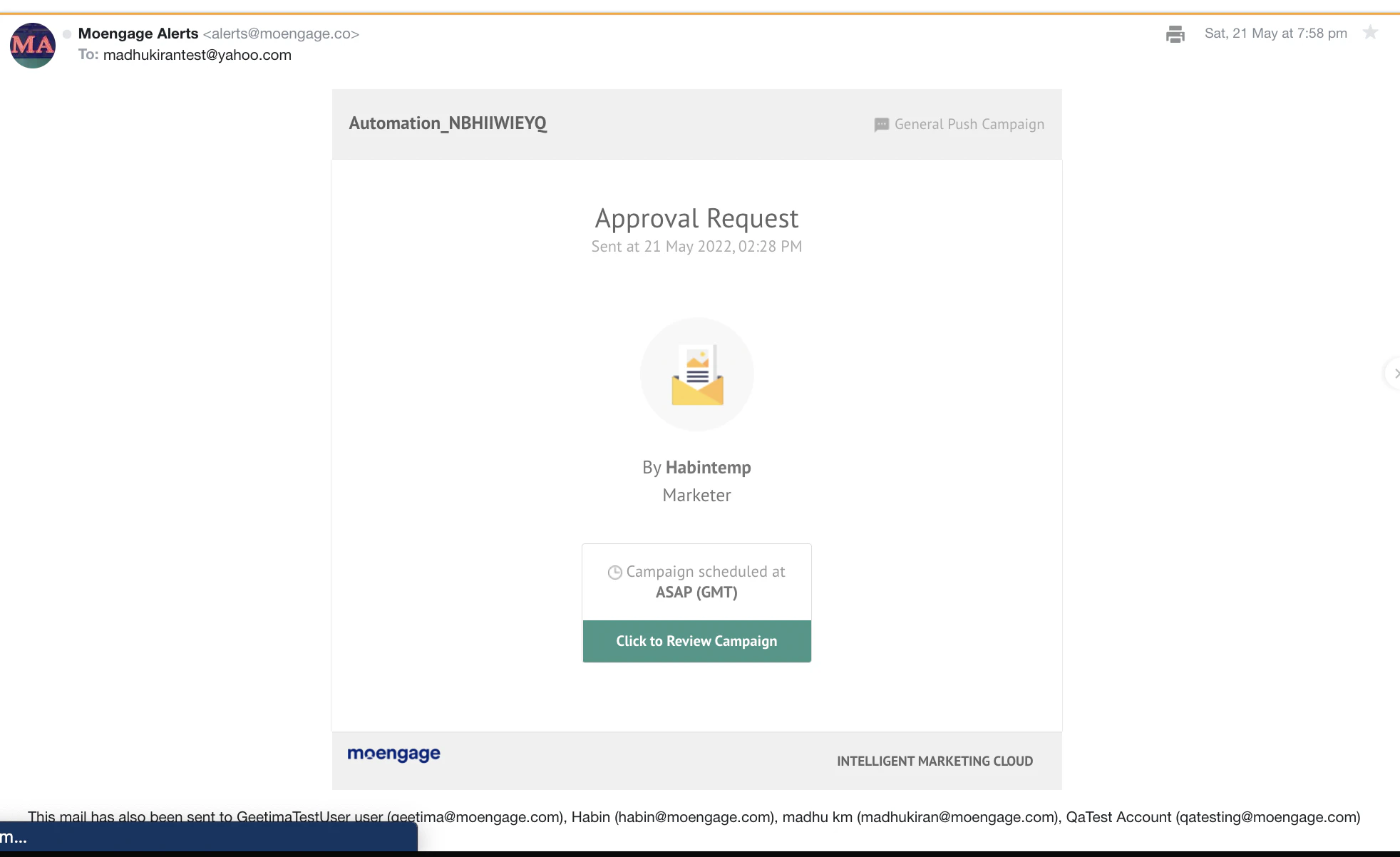
- If approved, the campaign will become Live.
- If rejected, the marketers can edit the campaigns as per the Approver’s comments and send them again for approval.
- Marketers cannot edit the campaigns when campaigns are Under Review.
- Only the approvers who were asked to review the campaigns can Approve/Reject them.
- The Rejected campaigns cannot be edited.
- Under the campaigns section, any custom role (excluding the Marketer role) that lacks Create, manage, and publish permissions will be required to send their campaigns for approval.