

Available for all channels and campaigns.
Procedure
Follow these steps:- In Step 2 of the campaign creation process, click + A/B test.
- Click New Variation to create the new variation.
OR
Click Copy Variation to copy the previously created variation. - Click User Distribution.
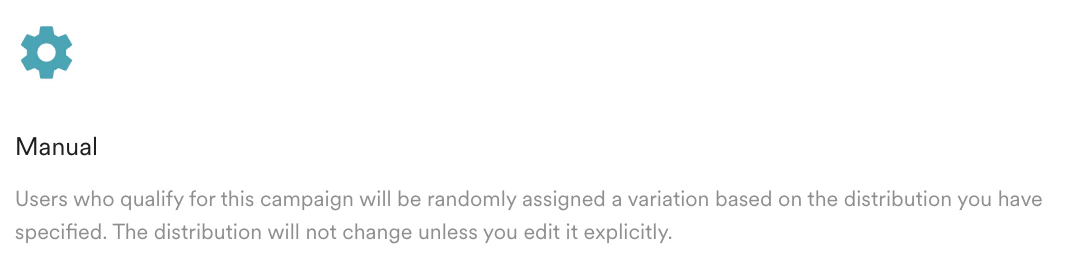
- Click on ‘Manual’ in the User Distribution screen that pops up.
- Set the following:
Field Description Objective (Optional) Objective of experiment.
Note: Applicable only to In-App Message, On-Site Message, and Web Personalization.Variation Modify the variation name for the campaign variation. (Applicable only for In-App, On-Site Messaging, and Web Personalization).
Note: You can create only up to five variations.Campaign control group Set the percentage of users who will receive the campaign.
Note: MoEngage does not guarantee receipt of campaigns the second time where:- Users belong to either the global control group or the campaign control group for any active campaign,
- Users are qualified to receive the campaigns twice.
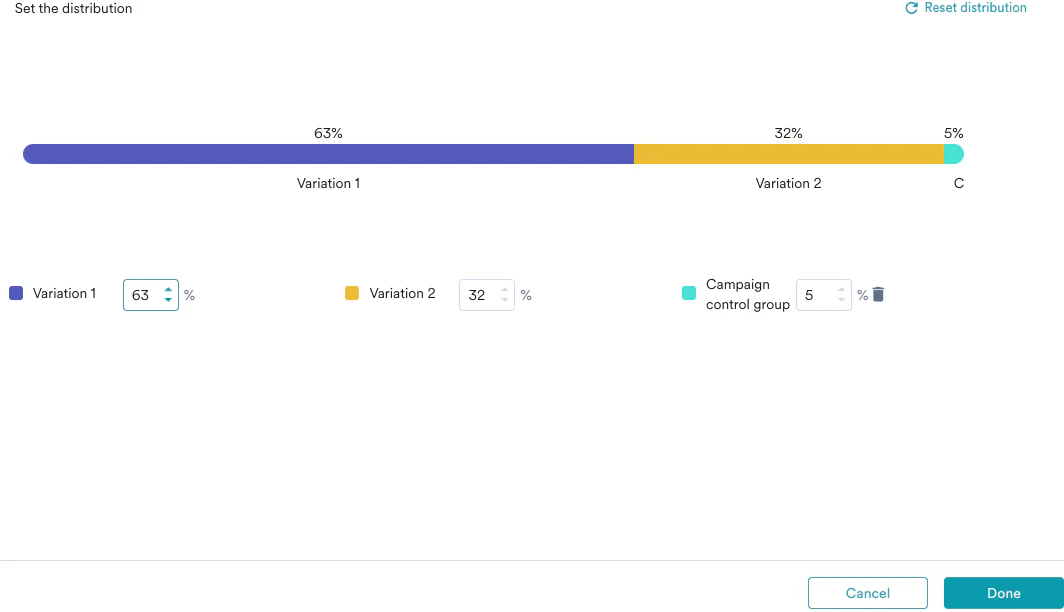
- Click Done to save the campaign variations.
OR
Click Cancel to discard the campaign variations.
Next Steps
You need to create the best winning campaign and send the campaign to the users.- Perform User Distribution Dynamically using Merlin AI
- Edit Multivariate Experiments
- Push Sample Experiments