Save a Template
Once you customize a template, save it by following these steps:-
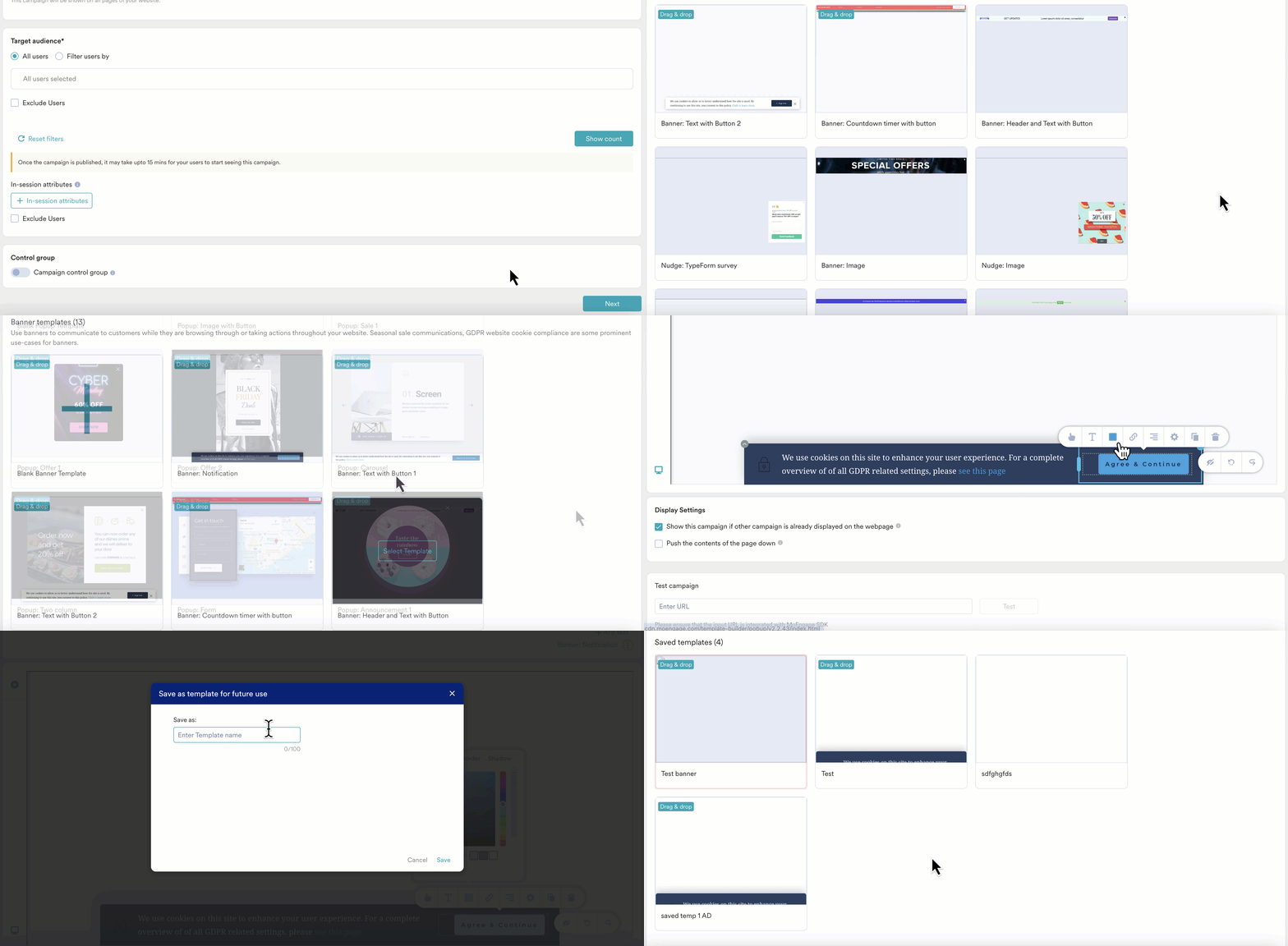
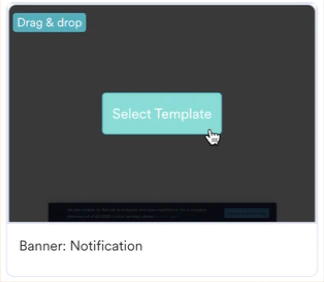
Click the Select Template button for the template you want to use, or create a new one.
- Customize the selected template as needed. For example, change the banner color.
-
Click the vertical ellipsis, and then select Save template.
 If you want to use a different template at this point, select the Change template option and repeat steps 1 to 3.
 -
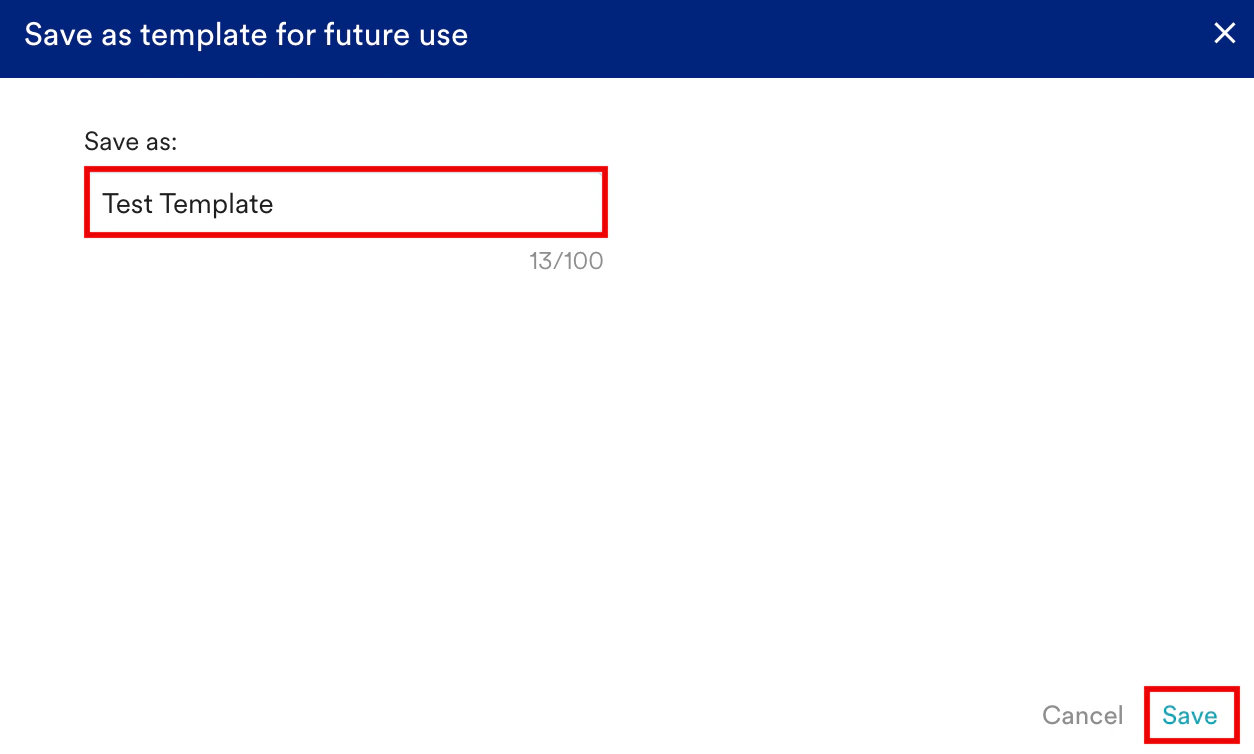
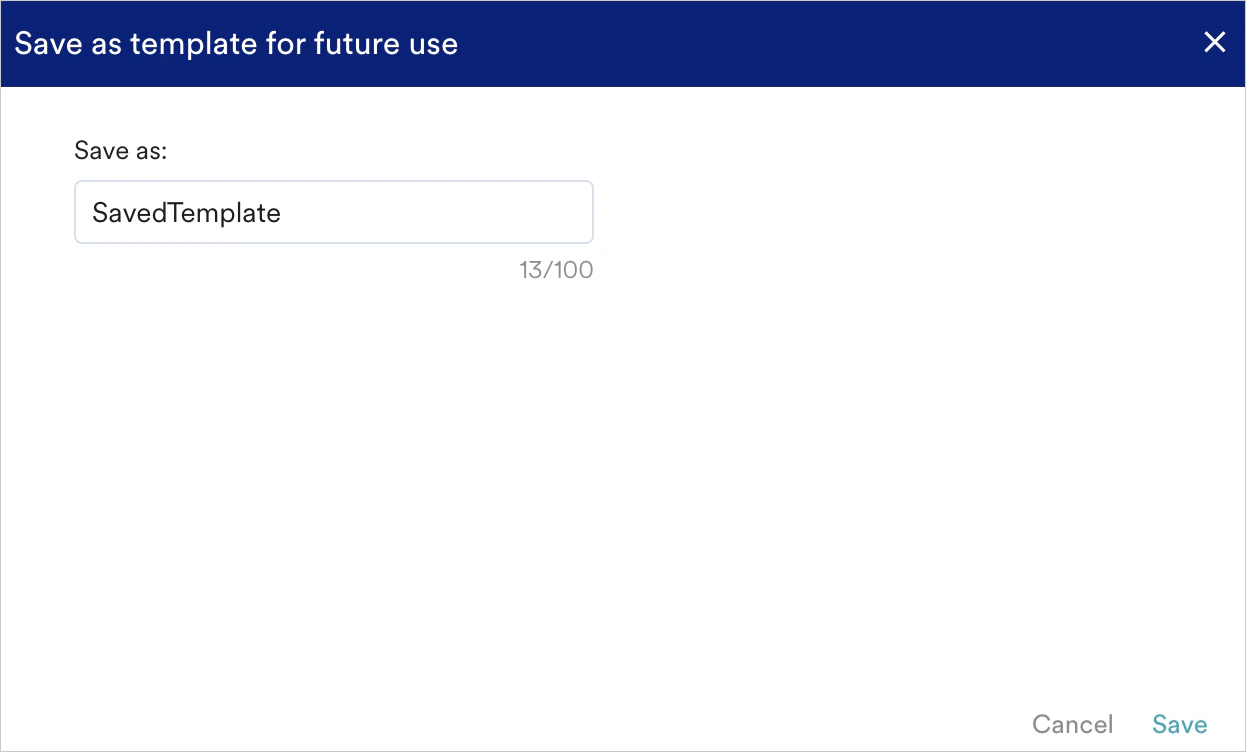
In the pop-up, enter a name for your template, and then click Save to confirm.
- You can save a maximum of 40 templates as presets per account.
- If you reach the limit, delete an existing saved template before you save a new one.
-
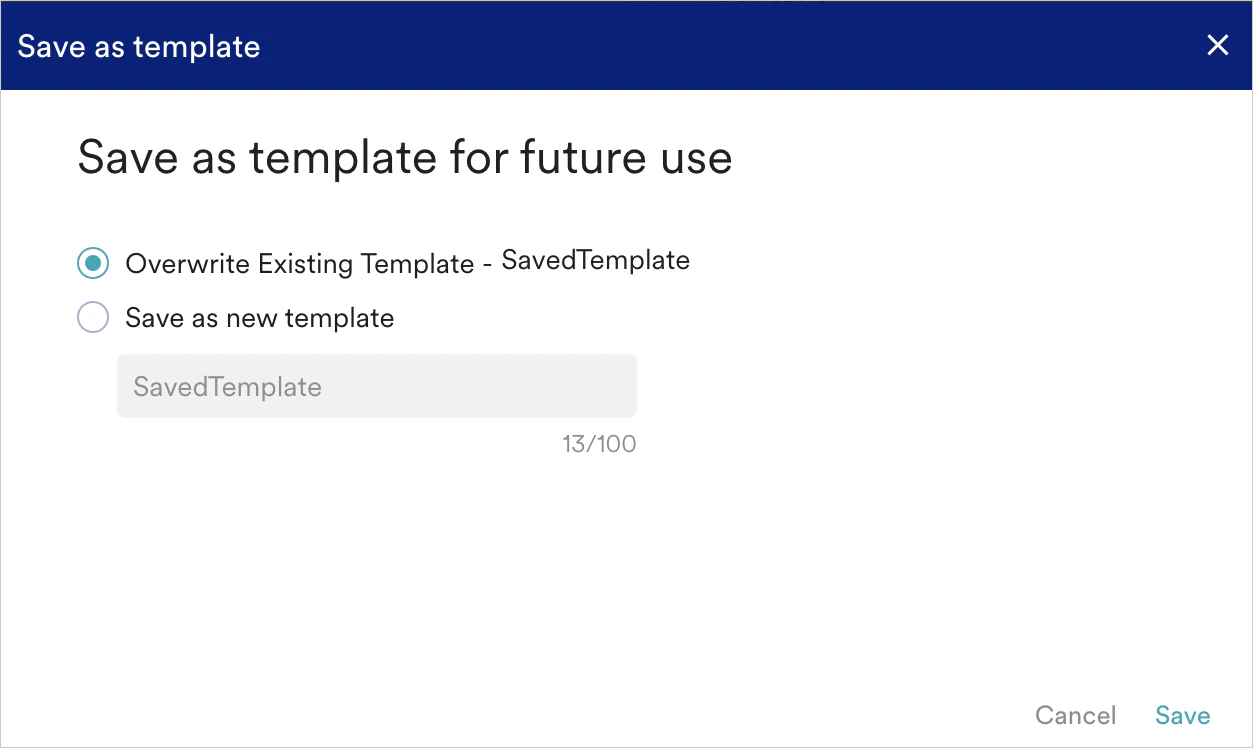
After you click Save, a pop-up appears depending on the template type you selected:
- When you edit and save a Pre-built template, you can save it as a new preset template in the Saved templates section.
- When you edit and save a Saved template, you can save it as a new preset template or overwrite the existing template.
- You can see a user preview of the saved template in the pop-up.
- When you edit and save a Pre-built template, you can save it as a new preset template in the Saved templates section.
Use a Saved Template
To use a saved template for a campaign:- Navigate to the Saved templates section on the template selection page.
- Do one of the following:
- Click the Select Template button for the desired template.
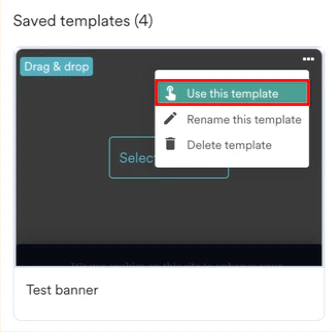
- Click the vertical ellipsis for the template, and then select the Use this template option.
Delete a Template
You can store up to 40 saved templates in your MoEngage account. To manage your templates, you might need to delete old or irrelevant ones. Follow these steps to delete a template:- Navigate to the Saved templates section on the template selection page.
- Hover your cursor over the template you want to delete.
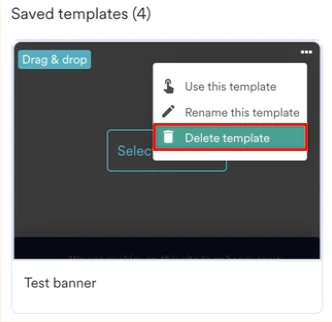
- Click the vertical ellipsis, and then select Delete template in the pop-up.
Rename a Template
To rename a template, follow these steps:- Navigate to the Saved templates section on the template selection page.
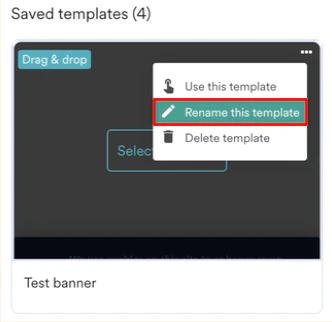
- Hover your cursor over the template you want to rename.
- Click the vertical ellipsis, and then select Rename this template in the pop-up.