

- On the Data Management page, when you edit a user attribute, the Edit User attribute pop-up window appears. Under Data Privacy Configuration, you can find the options for masking and encryption.
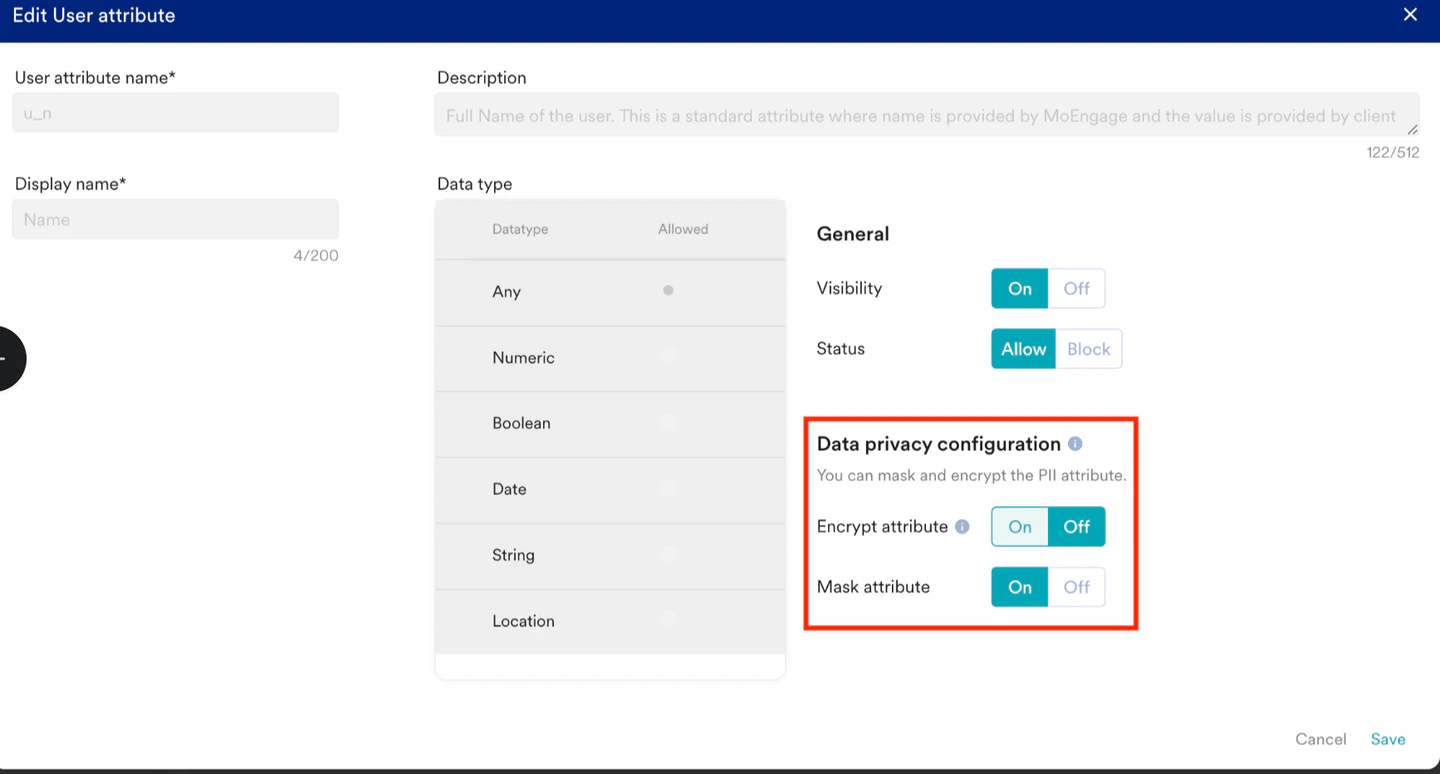
- If the Encrypt attribute setting is turned on, the Mask attribute setting is enabled automatically. You cannot turn the Mask attribute off.
- If the Encrypt attribute setting is turned off, the Mask attribute setting is turned off by default. You can choose to turn the Mask attribute setting on or off independently.
- If only the Mask attribute setting is turned on, the data is masked but not encrypted.