This article explains how to generate an Auth Token for the Data API using the provided script.
Instructions
- Input required:
- Workspace ID (earlier app id)
- API key
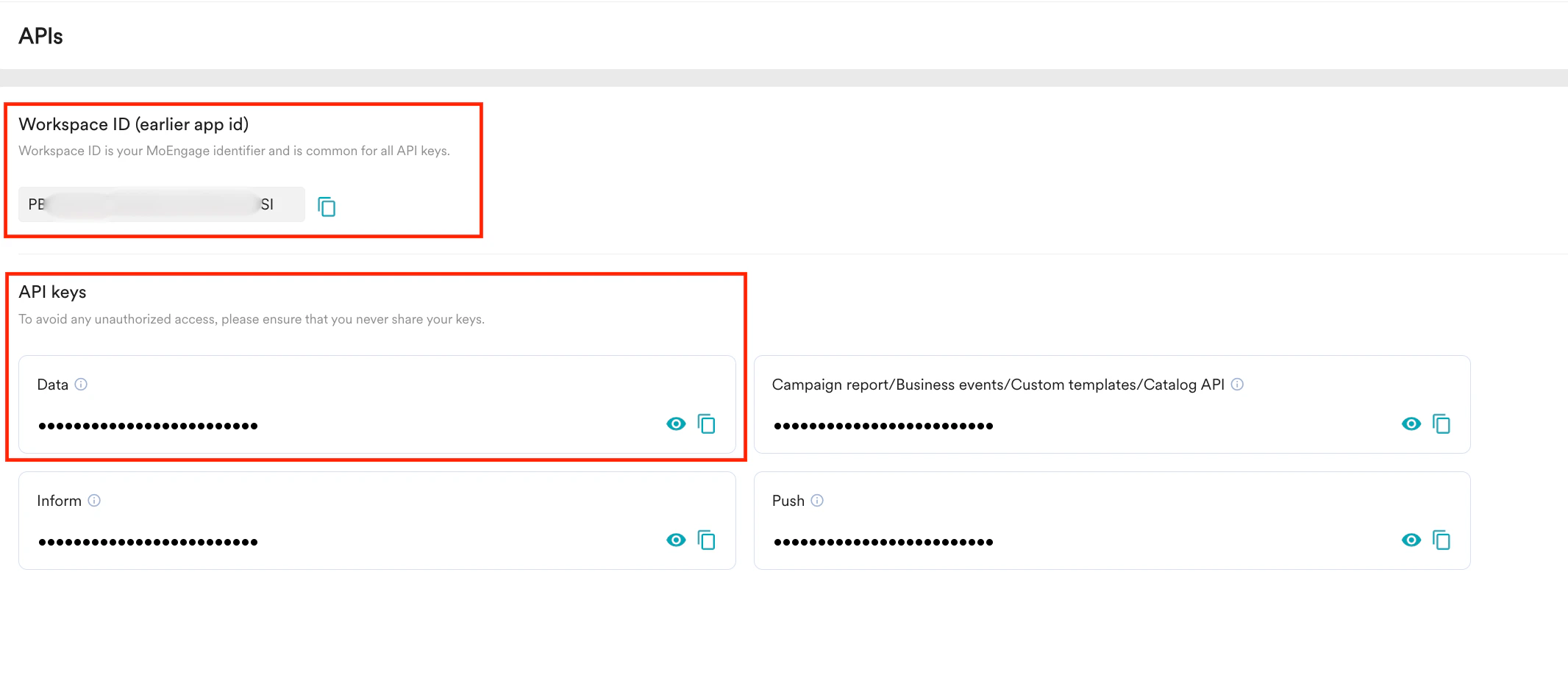
To find the Workspace ID and API key, go to Settings > APIs in the MoEngage dashboard.
- Generate the Auth Token:
Use the following script to generate the Auth Token for the specified app:
import base64
import subprocess
app\_id = str(input("Enter the APP ID or Worskspace ID: ")).strip()
app\_key = str(input("Enter the secret key: ")).strip()
secret\_string = app\_id + ":" + app\_key
secret\_string\_bytes = secret\_string.encode("ascii")
base64\_bytes = base64.b64encode(secret\_string\_bytes)
base64\_string = base64\_bytes.decode("ascii")
subprocess.run("pbcopy", text=True, input=base64\_string)
print("Token copied to your clipboard")
Once executed, the Auth Token will be generated and automatically copied to the clipboard.