

Problem
Unable to upload the ZIP file to the HTML template in the Email campaign, resulting in the following error message: Oh snap! Zip upload failed. Please contact our support team.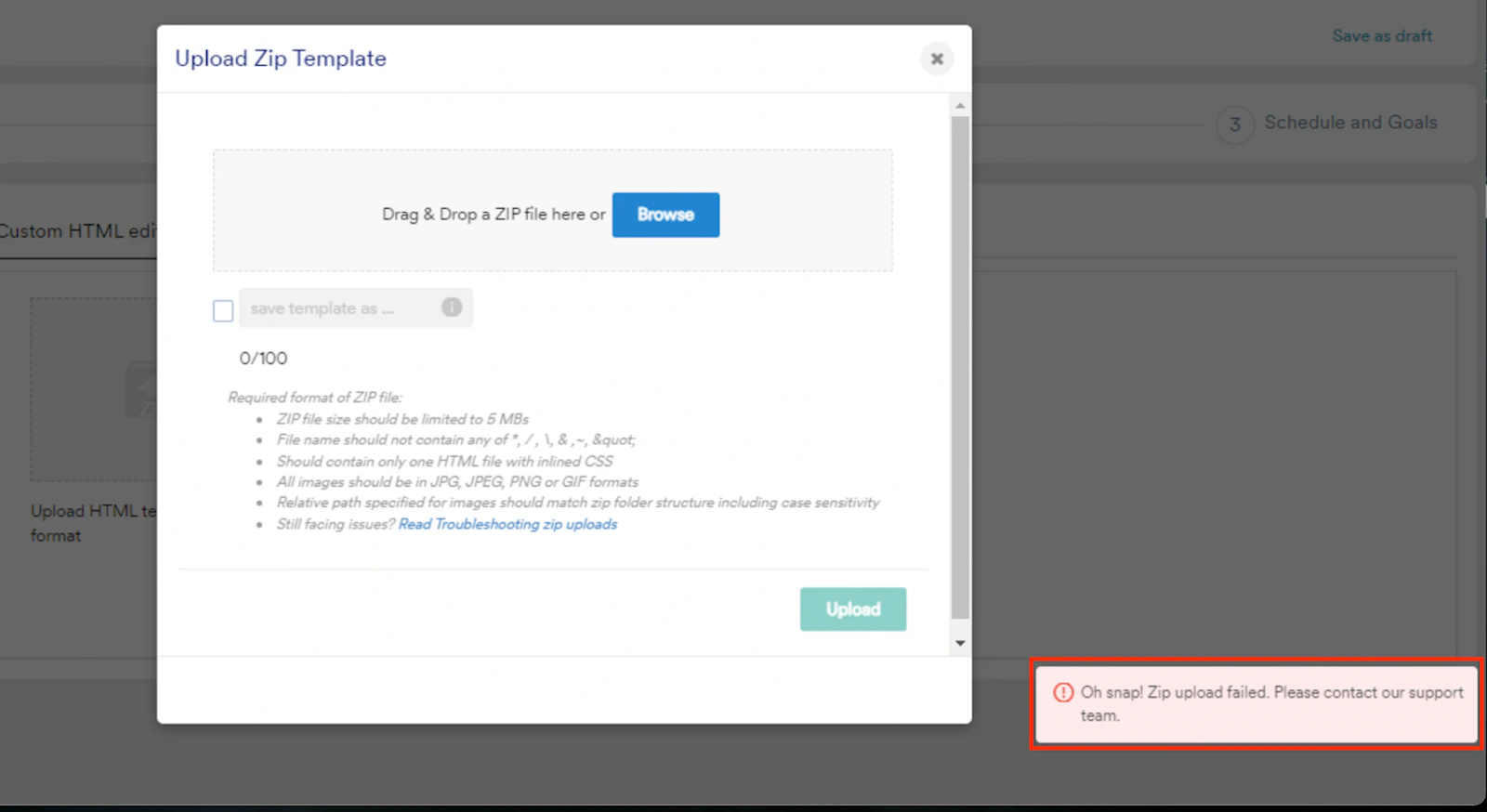
Prerequisites
Ensure the ZIP file meets the following requirements during the upload process:- Ensure that the file size is under 5 MB.
- Use a file name without the *, /, , &, ~, or ” characters.
- Include only one HTML file with inlined CSS.
- Use JPG, JPEG, PNG, or GIF formats for images.
- Ensure the image paths match the ZIP folder structure, including case sensitivity.
Explanation
- HTML is a markup language where minor code issues do not usually impact rendering on the localhost or server.
- The HTML editor accepts code without errors, so the uploaded code should be error-free.
Instructions
- Ensure that both opening and closing tags exist because they are essential for proper functionality. For example, the correct code must look as follows:
- Ensure that all created classes have a corresponding closing tag. For example, the correct code must look as follows:
You can perform checks on the utilized CSS.