

- To ensure if that’s the case, test silent push notification as mentioned here. When testing if the silent push notification is visible as a blank push notification, disable the Uninstall Tracking from the MoEngage dashboard at Settings > Analytics and Data > Uninstall tracking and turn the Android Uninstall Tracking toggle off.
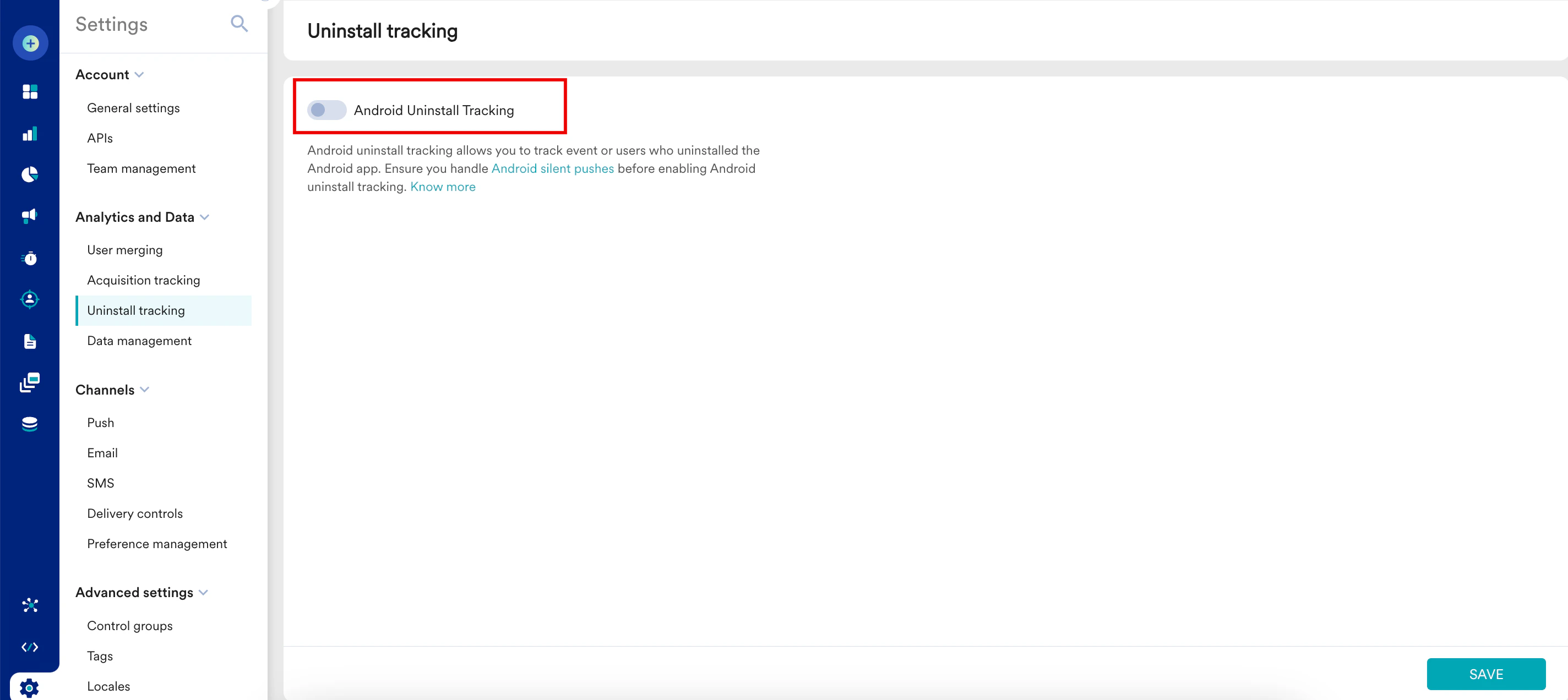
- The second step is to handle Silent Push Notification as mentioned here. After you handle it and ensure that all your users are on (or above) the app version on which the change has been implemented, turn the Android Uninstall Tracking toggle on again by navigating to Settings > Analytics and Data > Uninstall tracking in the MoEngage Dashboard.
Why Are Android Users Receiving Blank Notifications?
This issue occurs mostly because the Silent Push Notifications that MoEngage sends to track device uninstalls are not appropriately handled on the App side for cases when the App (not MoEngage) has the Notification Display control.
Was this page helpful?