Problem
Common issues with Push notifications, including Push Campaign impressions not being tracked and images not rendering even though Push notifications are successfully delivered to device with Swift version 9.x.x.For Push Campaign impressions to be tracked, verify that the Show iOS impressions toggle on the MoEngage dashboard is turned on.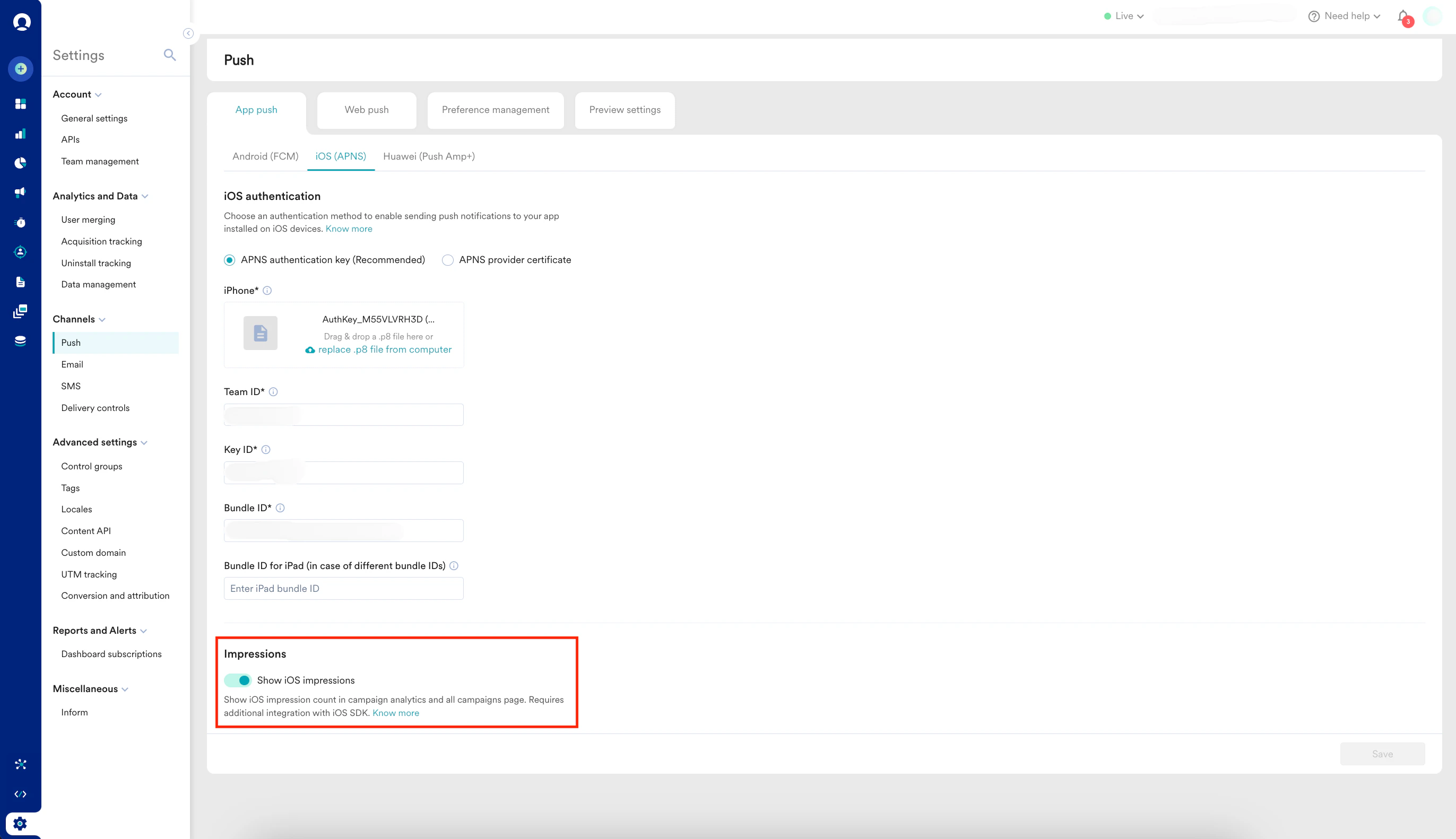
Solution
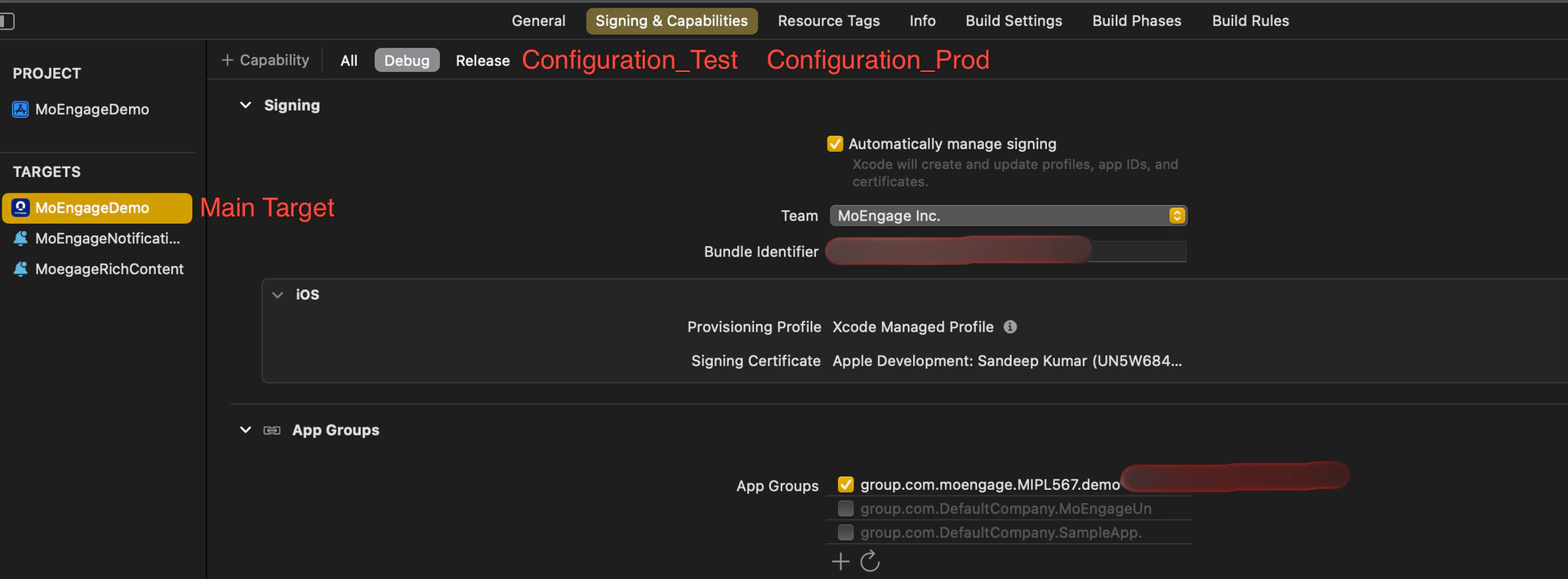
Perform the following steps:- Check for app_group_id in your project’s main target for each configuration:
You can add the same app_group_id or different ones across configurations.
Issues may arise if your configurations use different Bundle Identifiers but share the same app_group_id. Specifically, the Notification Service Extension may fail if two apps with different Bundle Identifiers but the same app_group_id are installed on the same device. To avoid this, you can use the same app_group_id across multiple configurations, but be aware that you won’t be able to test all apps simultaneously on a single device.
- Check for app_group_id during SDK initialization:
- If the SDK is initialized using info.plist, the APP_GROUP_ID key must be there inside the MoEngage key in your info.plist file.
- If the SDK is initialized using sdkConfig, the APP_GROUP_ID must be in the sdkConfig variable inside the AppDelegate file.
app_group_id in info.plist: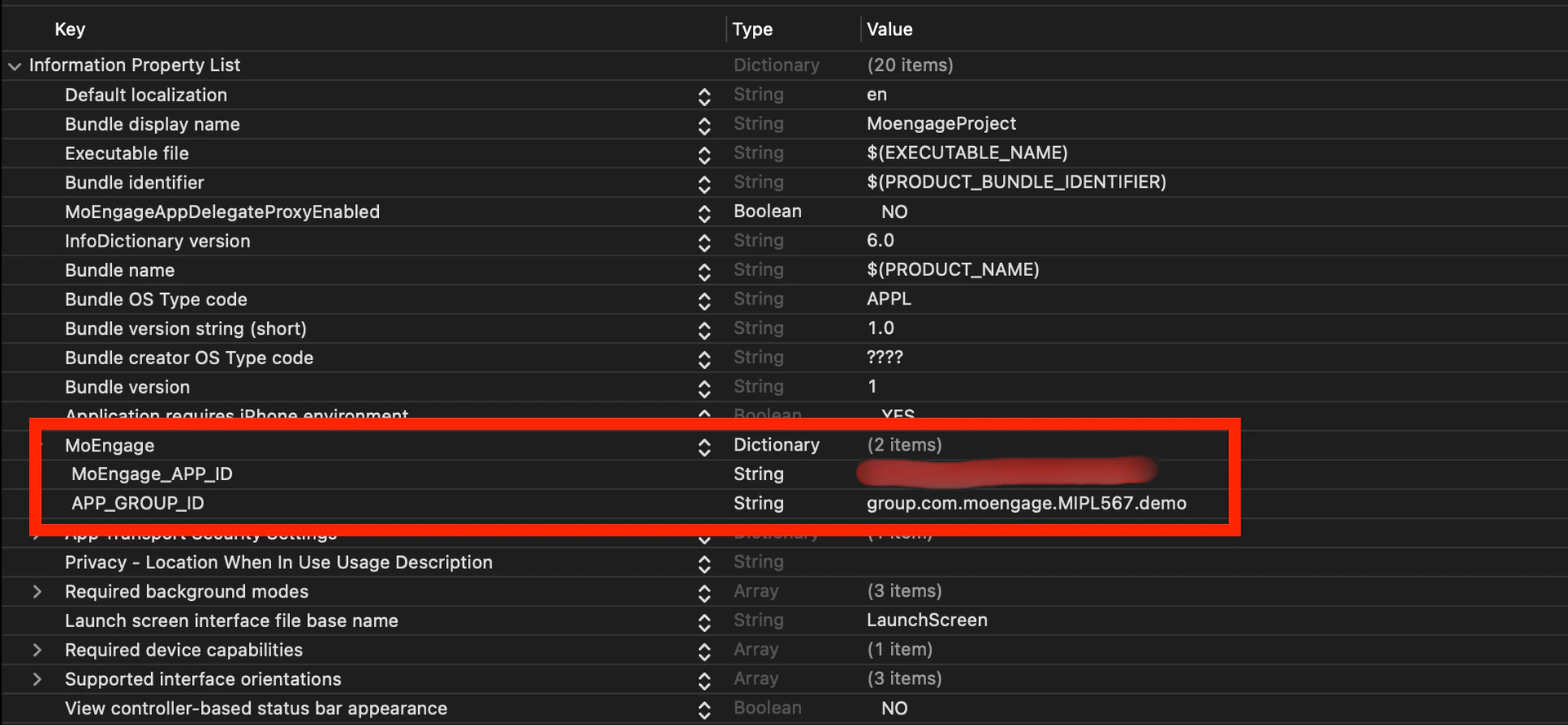
SwiftObjective-C - Check for a Notification Service Extension Target:
- Enable Push Notifications: In the extension target’s Signing & Capabilities section, make sure to enable Push Notifications and add the AppGroupId.
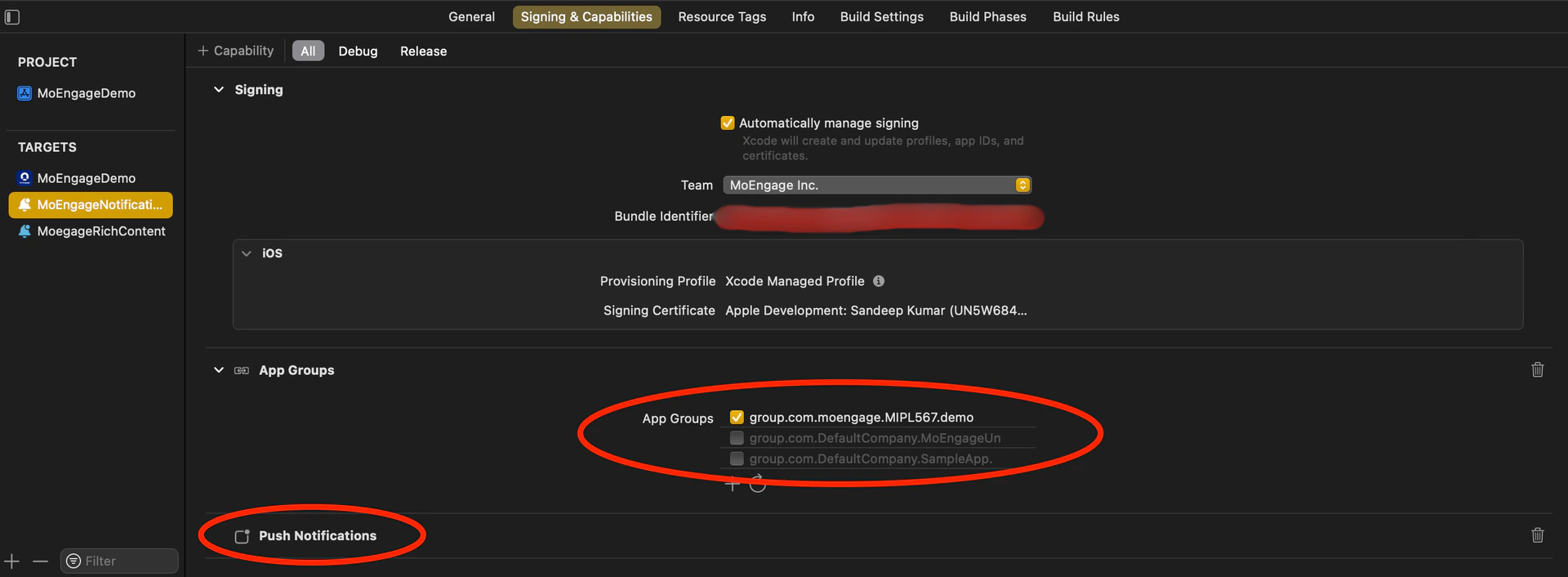
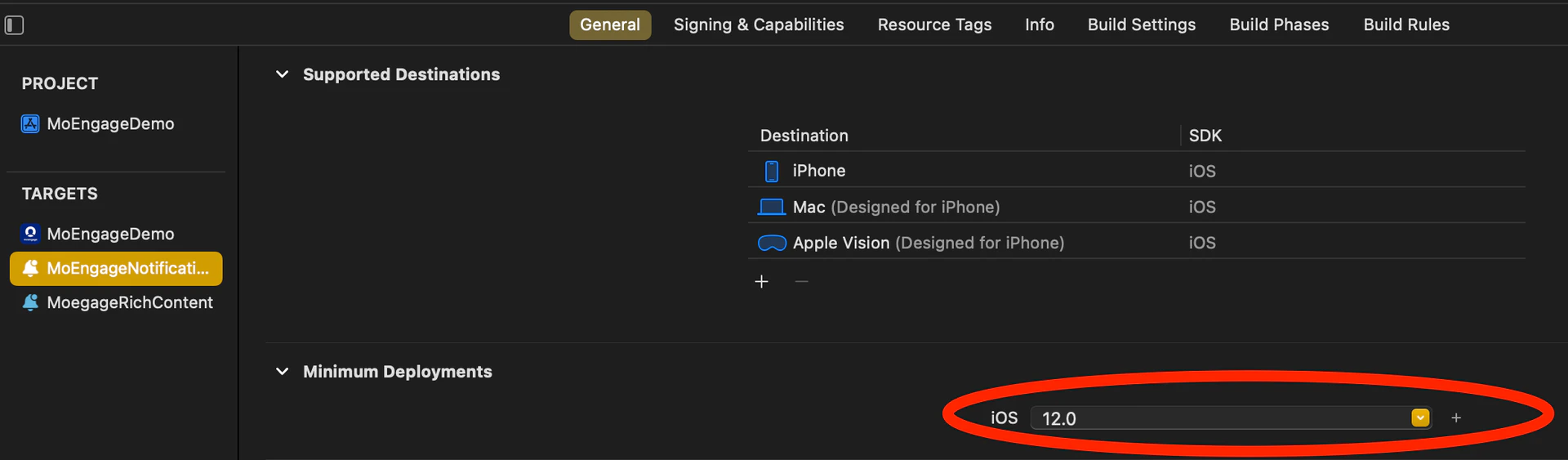
- Align the Minimum Deployment iOS Version: Ensure that the minimum deployment iOS version of the Notification Service Extension matches the iOS version of the main app.
- Enable Push Notifications: In the extension target’s Signing & Capabilities section, make sure to enable Push Notifications and add the AppGroupId.
- Integrate the MORichNotification framework into the Notification Service Extension target.
Swift
- NotificationService.swift file looks like this:
Swift
- Check Build Phases for the Main App Target: In the Build Phases section of the main app target, locate the Embed App Extensions / Embed Foundation Extensions section. Ensure that the Copy only when installing option is unchecked.
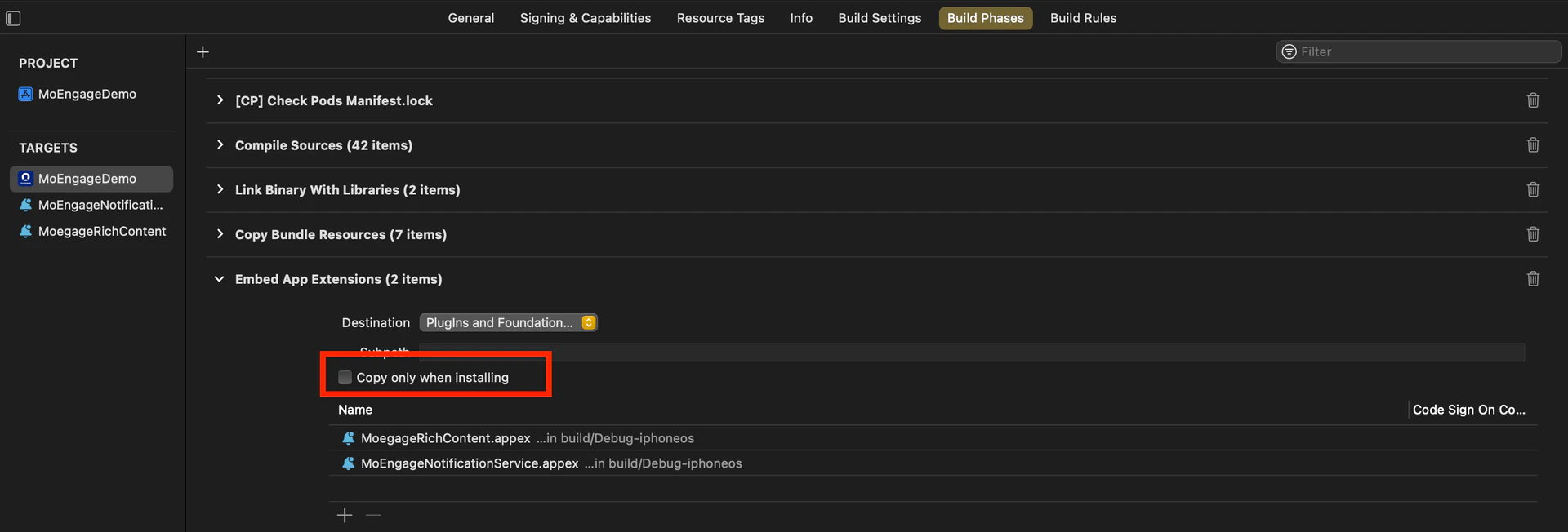
- Ensure Consistent appGroupId Across Configurations: Verify that the appGroupId is consistent across all schemes and configurations (e.g. Debug/Release/QA/UAT) in the project.
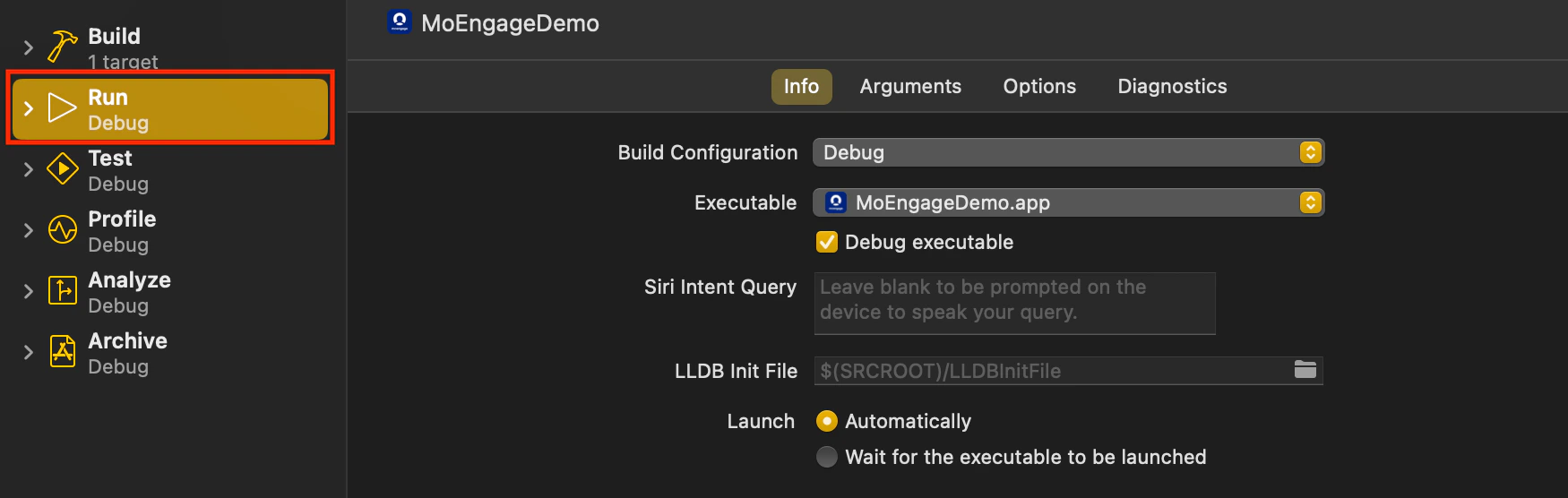
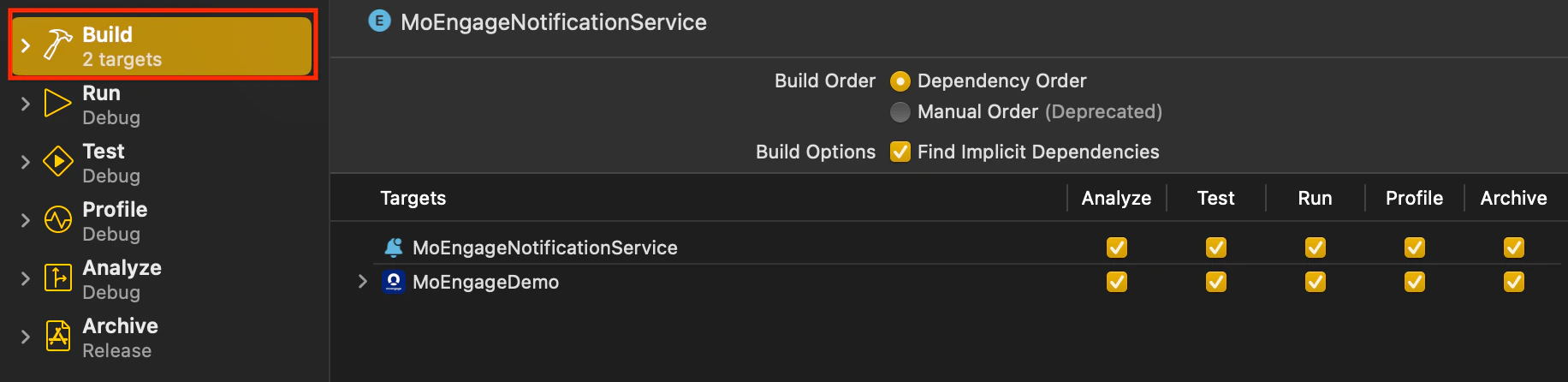
- Align Build Configuration: When running or archiving the project, ensure that the Build Configuration for the Main Target and Notification Service Extension Target points to the same scheme/configuration.