

Problem
When sending push notifications in iOS to a reachable user, the error “No active device present for the user” appears.This error occurs when push notifications are not configured in your MoEngage workspace.
Solution
Perform the following steps:- Configure push notifications in your MoEngage workspace at Settings > Channels > Push > App push > iOS (APNS).
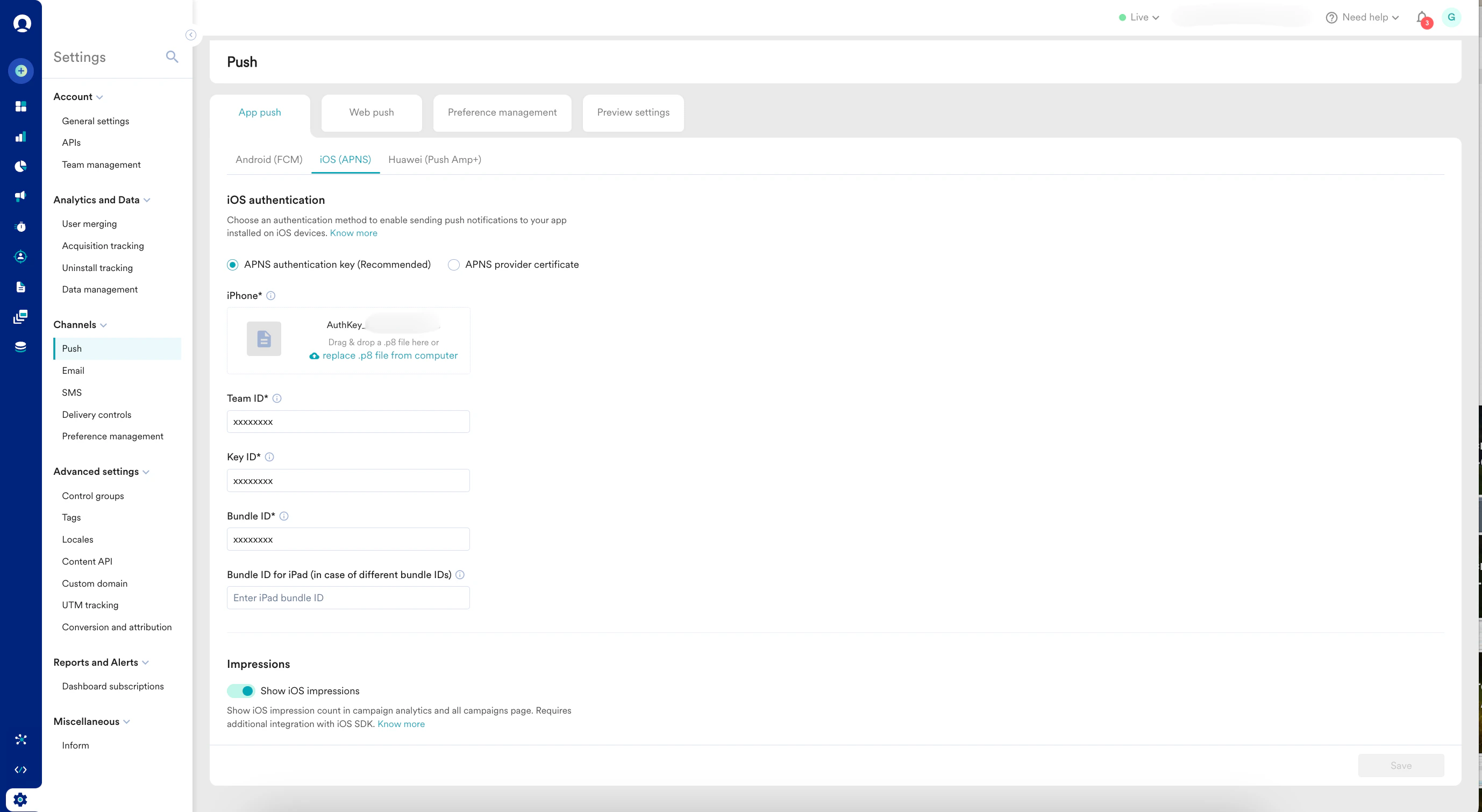
- After configuring, log out of your workspace and then log back in. Push notification services may take up to 30 minutes to start working.