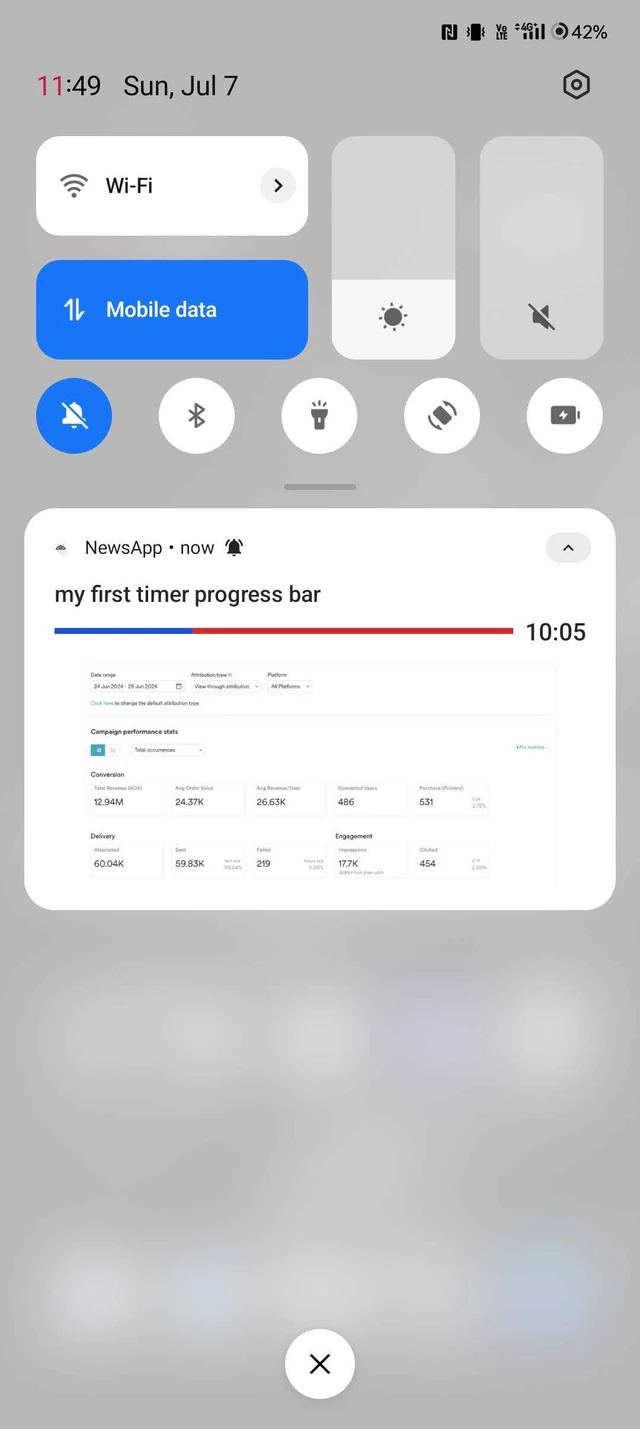
Problem
The timer with a progress bar in rich push notifications is unable to be displayed on Android.Instructions
Perform the following steps:- On the left navigation menu in the MoEngage dashboard, click Engage, and then click Campaigns.
- On the All campaigns page, click Create new.
- On the Create campaign pane, under Outbound, click Push and then click a delivery type.
- In Step 2, Content, select the Timer with progress bar template.
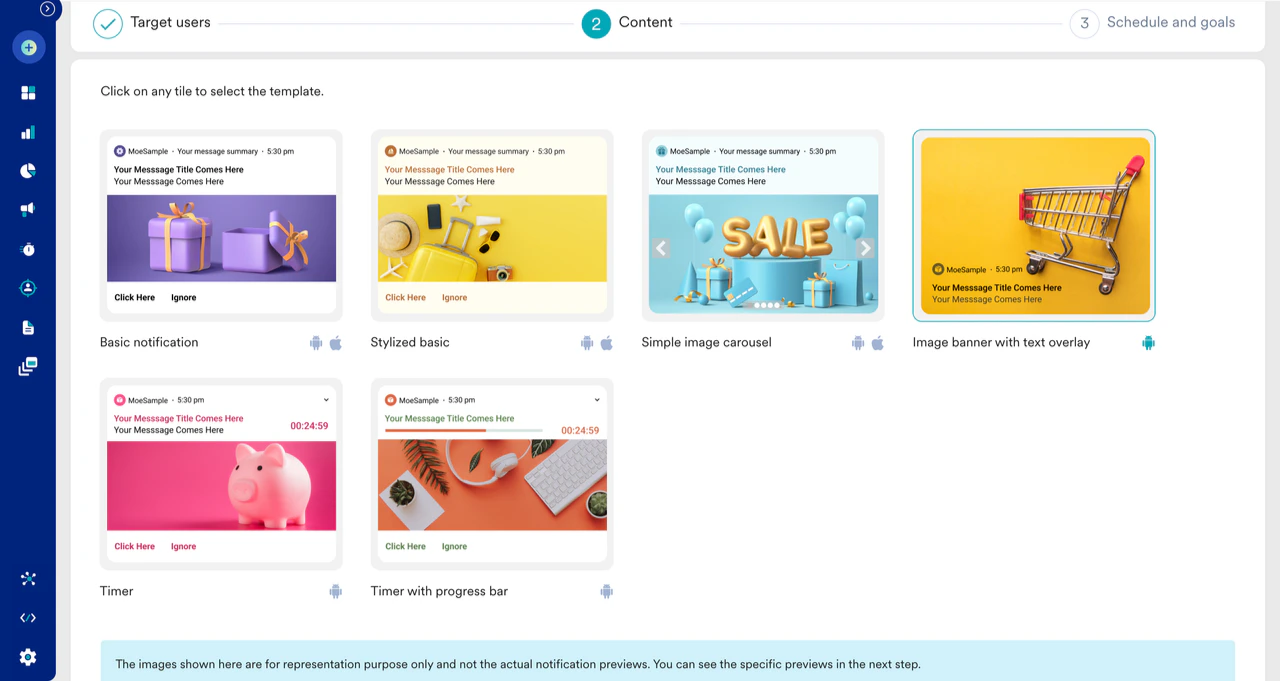
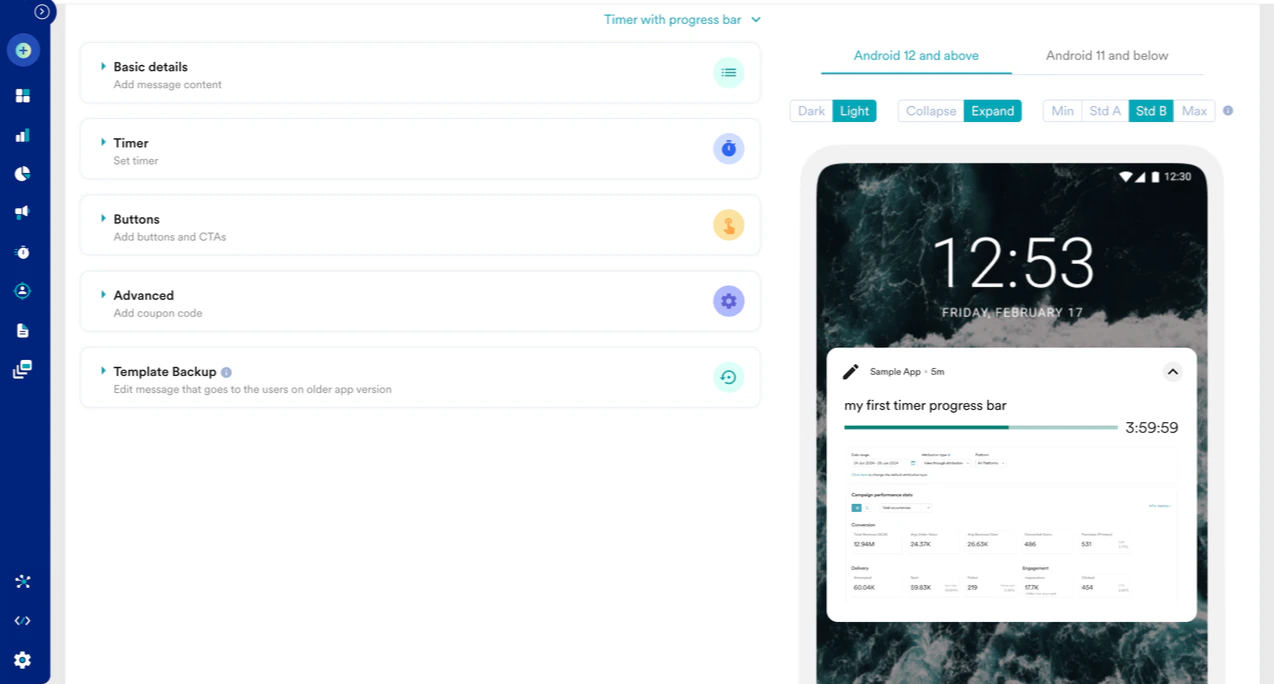
- Work with the Timer section in this template, which synchronizes with the progress bar.
- Include the following permission in the Android Manifest.xml file before sending the test Push campaigns.
Code
- For Android 12 and above, request the SCHEDULE_EXACT_ALARM permission from the user and enable it using the following code:
Code
- You can now view the rich push notification with the timer and the progress bar.