Problem
Common issues with Push notifications, including Push Campaign impressions not being tracked and images not rendering even though Push notifications are successfully delivered to device with Objective C version 9.x.x.For Push Campaign impressions to be tracked, verify that the Show iOS impressions toggle on the MoEngage dashboard is turned on.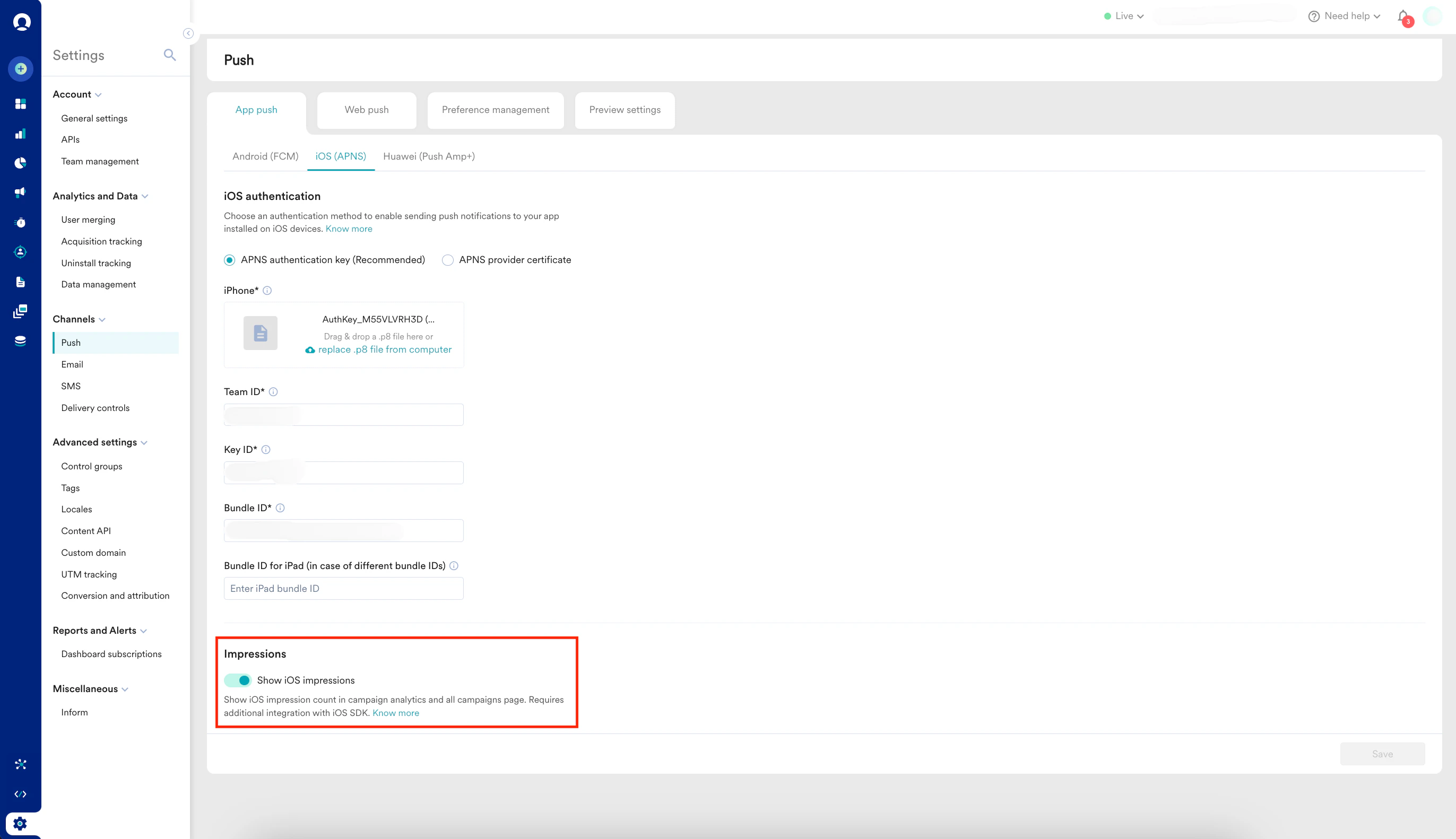
Solution
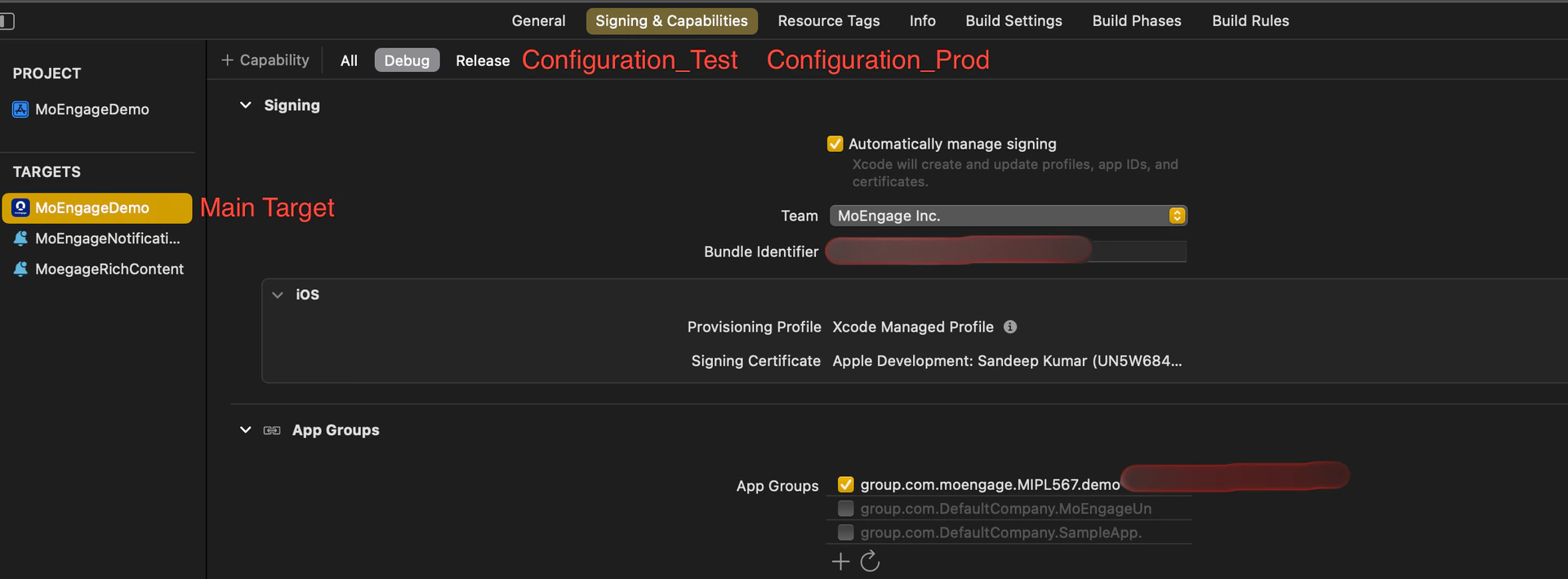
Perform the following steps:- Check for app_group_id in your project’s main target for each configuration: You can add the same app_group_id or different ones across configurations.
Issues may arise if your configurations use different Bundle Identifiers but share the same app_group_id. Specifically, the Notification Service Extension may fail if two apps with different Bundle Identifiers but the same app_group_id are installed on the same device. To avoid this, you can use the same app_group_id across multiple configurations, but be aware that you won’t be able to test all apps simultaneously on a single device.
- Check for app_group_id during SDK initialization:
- If the SDK is initialized using info.plist, the APP_GROUP_ID key must be there inside the MoEngage key in your info.plist file.
- If the SDK is initialized using sdkConfig, the APP_GROUP_ID must be in the sdkConfig variable inside the AppDelegate file.
app_group_id in info.plist: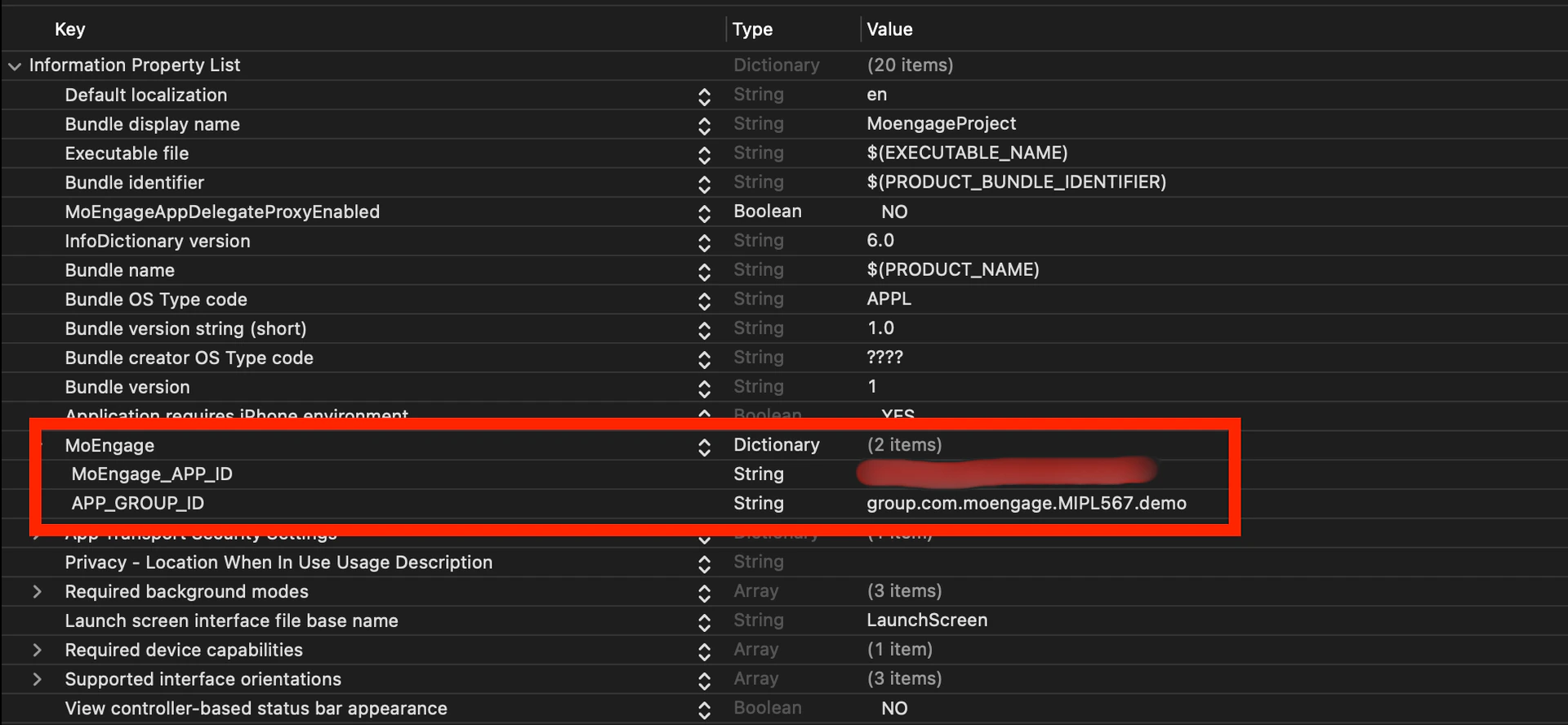
Objective-C - Check for a Notification Service Extension Target:
- Enable Push Notifications: In the extension target’s Signing & Capabilities section, make sure to enable Push Notifications and add the AppGroupId.
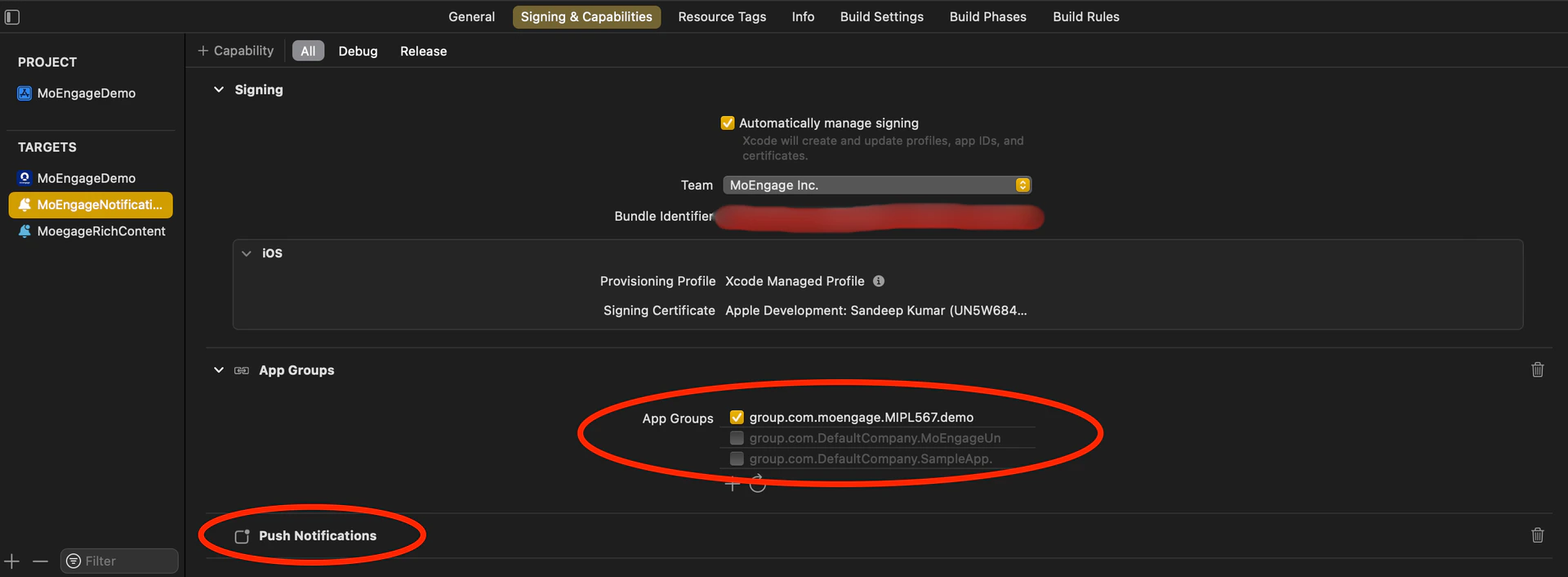
- Align the Minimum Deployment iOS Version: Ensure that the minimum deployment iOS version of the Notification Service Extension matches the iOS version of the main app.
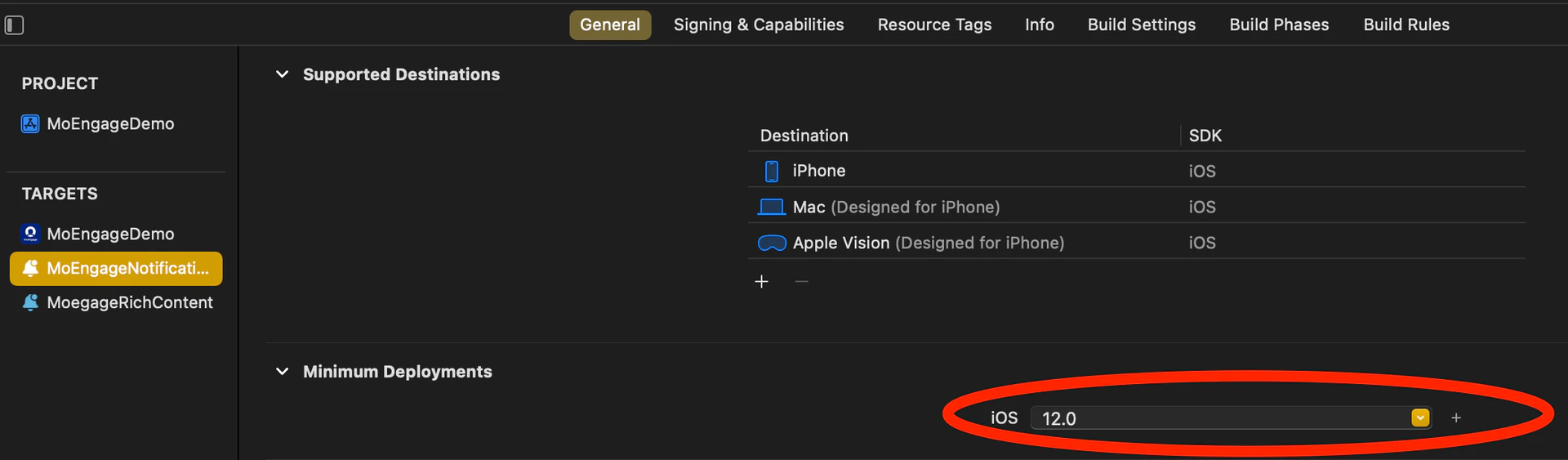
- Enable Push Notifications: In the extension target’s Signing & Capabilities section, make sure to enable Push Notifications and add the AppGroupId.
- Integrate the MORichNotification framework into the Notification Service Extension target.
Objective-C
- NotificationService.m file looks like this:
Objective-C
- Check Build Phases for the Main App Target: In the Build Phases section of the main app target, locate the Embed App Extensions / Embed Foundation Extensions section. Ensure that the Copy only when installing option is unchecked.
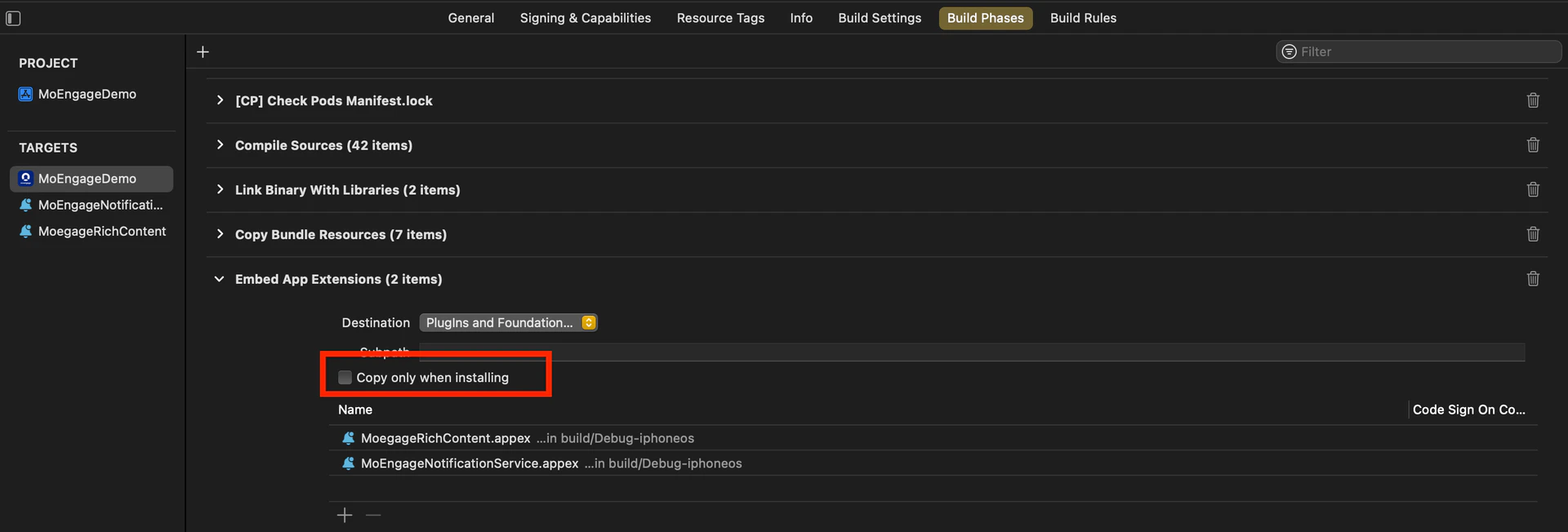
- Ensure Consistent appGroupId Across Configurations: Verify that the appGroupId is consistent across all schemes and configurations (e.g. Debug/Release/QA/UAT) in the project.
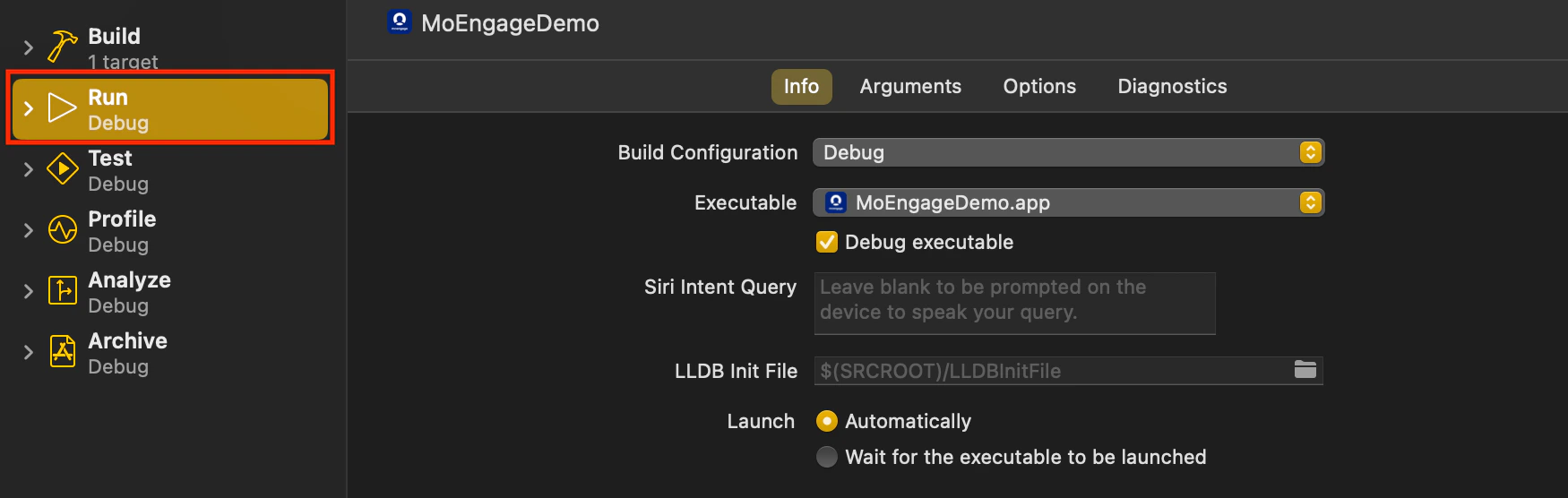
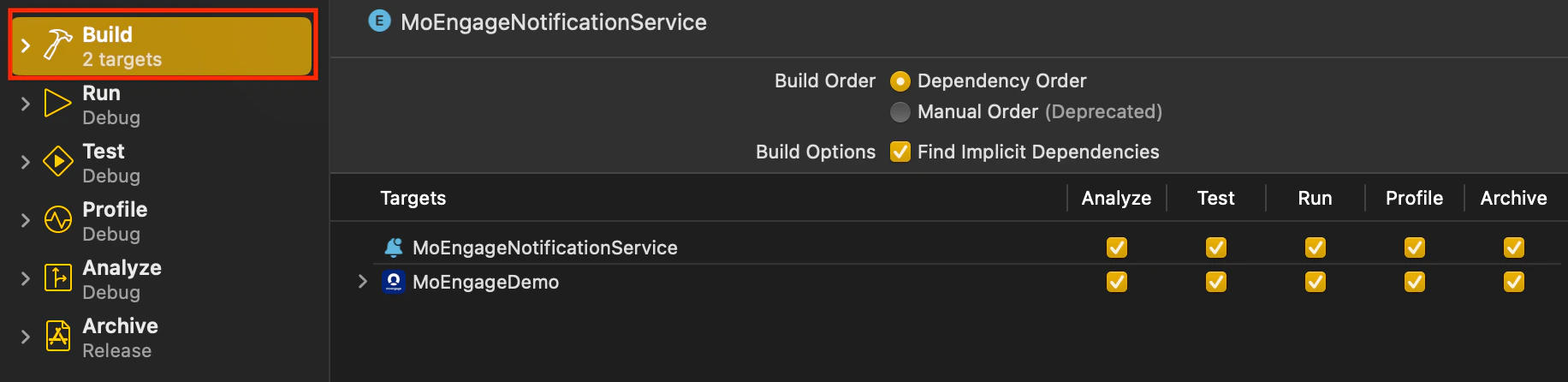
- Align Build Configuration: When running or archiving the project, ensure that the Build Configuration for the Main Target and Notification Service Extension Target points to the same scheme/configuration.