

Problem
In Push campaigns, under campaign failures breakdown, the following error is displayed: INVALID_SERVER_CREDS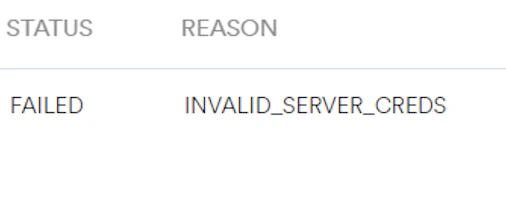
Solution
- You are receiving the “INVALID_SERVER_CREDS” error because the sender ID and server key provided may belong to different GCM or FCM projects.
- To resolve this issue, use the configured sender ID and server key.
- Ensure that you have the accurate FCM keys (or certificate) in your Push settings and include the ServiceKey.json file instead of the google-services.json file (if you have added it).
- Verify the Private key file (Recommended) on the MoEngage dashboard.
- Open the private key JSON file using any text editor.
- Check that the project_id mentioned in the JSON file matches the Firebase Project ID.
- If you already have a private key on the Service Accounts page, you need not generate a new one.
 In FCM projects, the sender ID can be found in the google-services.json file.