Advantages of getting users to update your app
- Improved user experience: Keeping users on the latest version ensures that they have access to the newest features, performance improvements, and bug fixes, leading to a smoother and more enjoyable app experience.
- Enhanced security: Updates often include security patches that address vulnerabilities, protect users from potential risks, and maintain the integrity of the application.
- Access to new features: Users can access new functionalities and improvements added in updates, keeping the app relevant and engaging.
- Bug fixes and stability: Updates address bugs and issues that may have been present in previous versions, improving the app’s overall stability and reliability.
- Maintaining compatibility: Updates can ensure the app remains compatible with the latest operating systems and devices, preventing potential issues and ensuring a wider user base can use the app.
- User retention: By keeping users informed and providing them with a positive experience, you can help retain users and encourage continued use of the app.
Expected Result
You will get a segment of users who are not using your application’s latest version.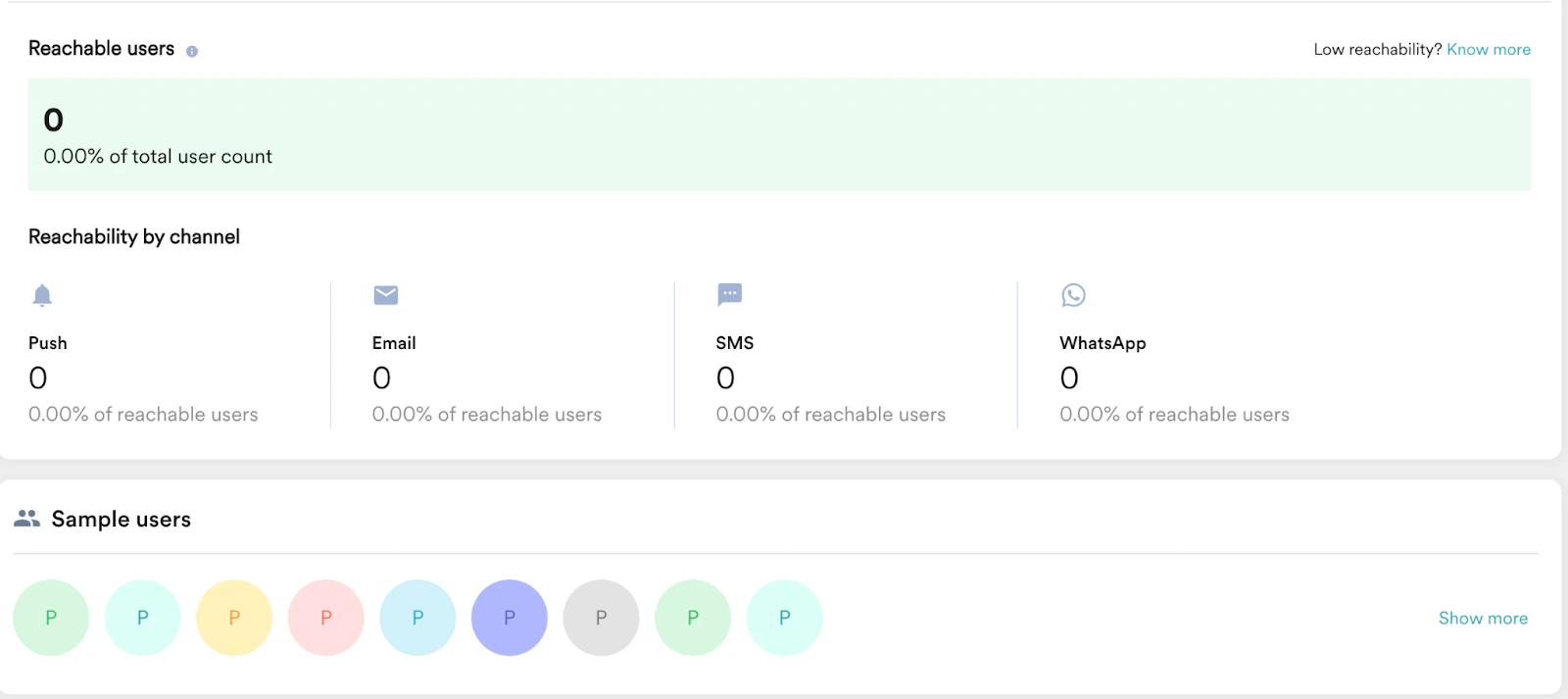
Create a Segment
In this section, we will create a segment targeting your users based on their current app version and save the custom segment as segment_latest_version.- On the left navigation menu in the MoEngage dashboard, click Segments, and then click Create segment. For more information on creating segments, refer here.
- Click the Filter users by option and then click the User behavior tab.
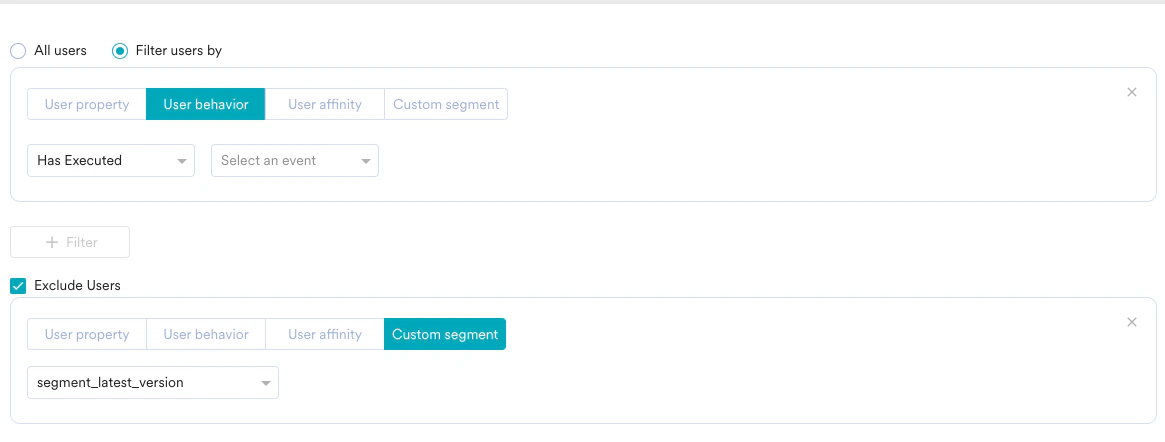
- Filter users who have executed the App/Site Opened event at least once in the last 90 days, as shown in the following example: (In this example, we assume that the current app version is 3.9.)

- Click + Create and create a custom segment as segment_latest_version.
- Create another segment to target all your users and exclude the custom segment segment_latest_version. Save this segment as another custom segment, segment_update_app.